
OPPO Find X9 Ultra: From the Dolomites to the Mediterranean
The OPPO Find X9 Ultra carries a name that signals intent. Launched in Italy in April 2026 as the flagship of OPPO's Find X9 series, positioned as "Your Next Camera," the device is designed around a collaboration with Hasselblad that extends into the physical hardware design — and into an optional accessory kit built explicitly for demanding outdoor use. For Italian travel creators working across the Dolomites, Sicilian coastlines, Sardinian coastlines, and the Italian Alpine arc, the camera system and rugged build make a specific argument.

Seedance Bingo Tested: What Creators Actually Get
Every content creator, marketer, and e-commerce seller building a video pipeline in 2026 faces the same tension. You know AI video generation has matured enough to be useful. You have seen impressive demos on social media. But you still need to answer one practical question before committing time and budget: "Can this tool actually produce the specific type of video I need for my job?"
That question is harder than it sounds. A platform that generates beautiful cinematic landscapes might fail at a simple product turntable. A model that handles text-to-video well might fall apart when you need it to maintain a consistent brand character across multiple shots. And a tool that works for a one-off experiment might not hold up when you need to produce fifteen assets per week for a content calendar.
This review exists to answer that question with evidence rather than speculation. Over three weeks, we ran Seedance 2.5 through five specific production scenarios on the Seedance Bingo platform — the kind of work that marketers, creators, and sellers actually get paid to deliver — and documented what happened. Not feature lists. Not benchmarks. Real prompts, real outputs, real production context.

Global Payment Orchestration: The Future of Seamless Cross-Border Payment Management
In today's digital economy, businesses are no longer limited by geographical boundaries. Companies of all sizes are selling products and services to customers across multiple countries, making efficient payment management more important than ever. As payment ecosystems become increasingly complex, global payment orchestration has emerged as a powerful solution for businesses looking to simplify payment operations while improving customer experiences.
Instead of managing numerous payment gateways, acquiring banks, and regional payment providers separately, businesses can use global payment orchestration to unify their payment infrastructure. This centralized approach helps improve transaction success rates, reduce operational costs, and support long-term international growth.
Virtual Phone Numbers Explained: SMS Verification, Temporary Numbers, and Long-Term Rentals
Phone numbers have become one of the most important parts of online identity. Whether you're creating a social media account, registering for an AI platform, joining a marketplace, or accessing online banking, there's a good chance you'll be asked to verify your identity with an SMS code.
This verification process helps reduce spam, automated registrations, and fraud. At the same time, many users prefer not to share their personal mobile number with every online service they use. That's why virtual phone numbers have become increasingly popular.
Although many people use the terms "temporary number," "virtual number," and "number rental" interchangeably, they actually describe different services designed for different situations. Understanding these differences can help you choose the right option while protecting your privacy and maintaining reliable access to your accounts.

How Smart Baby Appliances Are Making Everyday Feeding Routines Easier for Parents
The home appliance market has been getting smarter for years. Thermostats that learn your schedule, coffee makers you can start from bed, washing machines that send you a notification when the cycle finishes. Most of it is genuinely useful.
Baby feeding appliances are going through the same shift, just a few years behind. And for parents doing feeding-related tasks six to ten times a day, every single day, the efficiency gains are more meaningful than they might sound on paper.
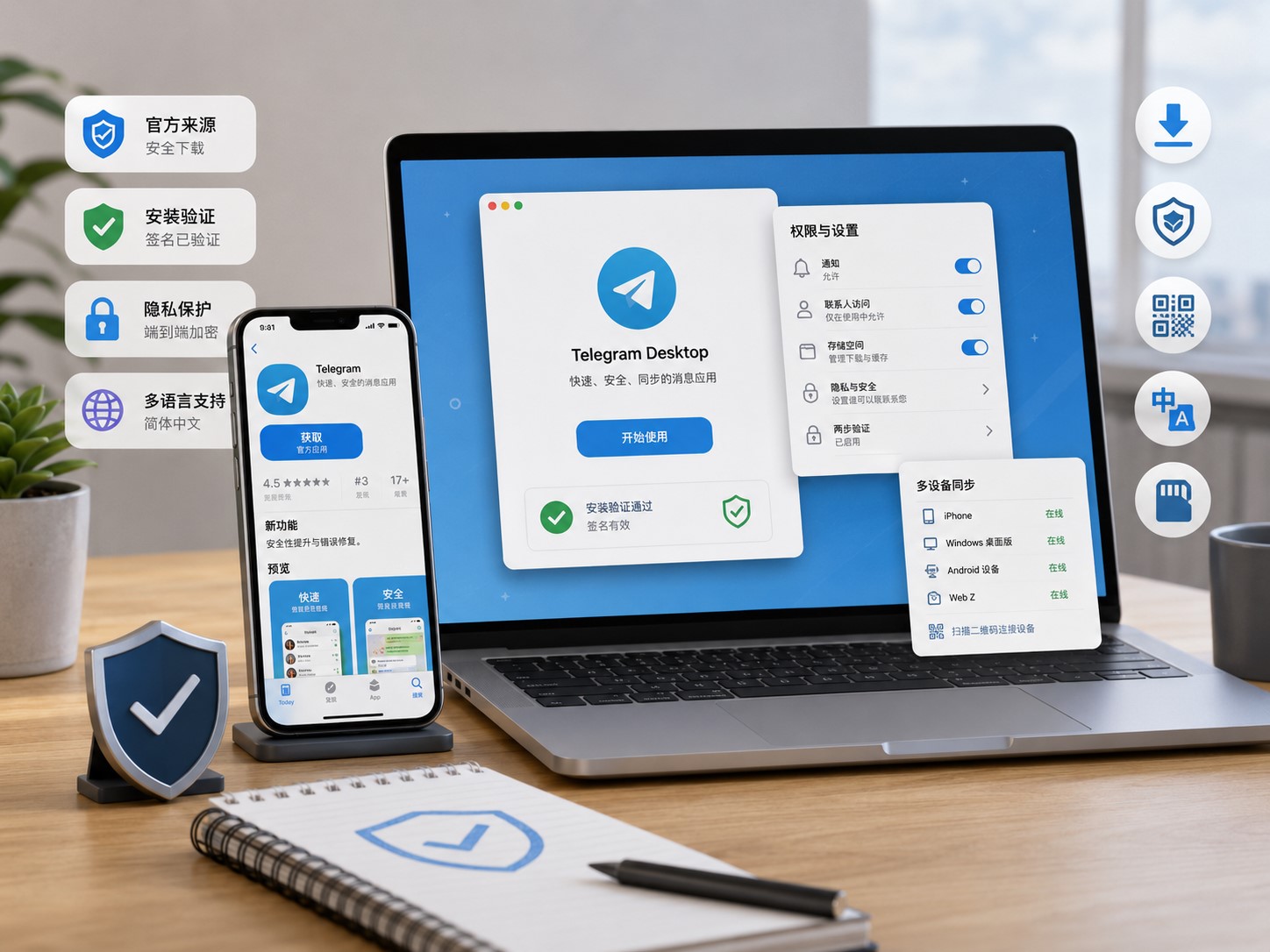
How to Identify a Reliable Website Before Downloading a Messaging App
Messaging apps are used every day for private chats, group communication, community updates, file sharing, and cross-device conversations. Because these apps often connect to phone numbers, personal files, contacts, and private messages, users should be careful about where they download them. A reliable website can help users avoid fake installers, outdated packages, and confusing setup instructions.
Many users search for a messaging app online and click a result without checking the source. This can be risky. Some websites imitate well-known app pages, use similar colors, copy logos, or place large download buttons that lead to unrelated files. Others may provide modified packages, old versions, or installers that include extra software. These problems can affect device security and account safety.
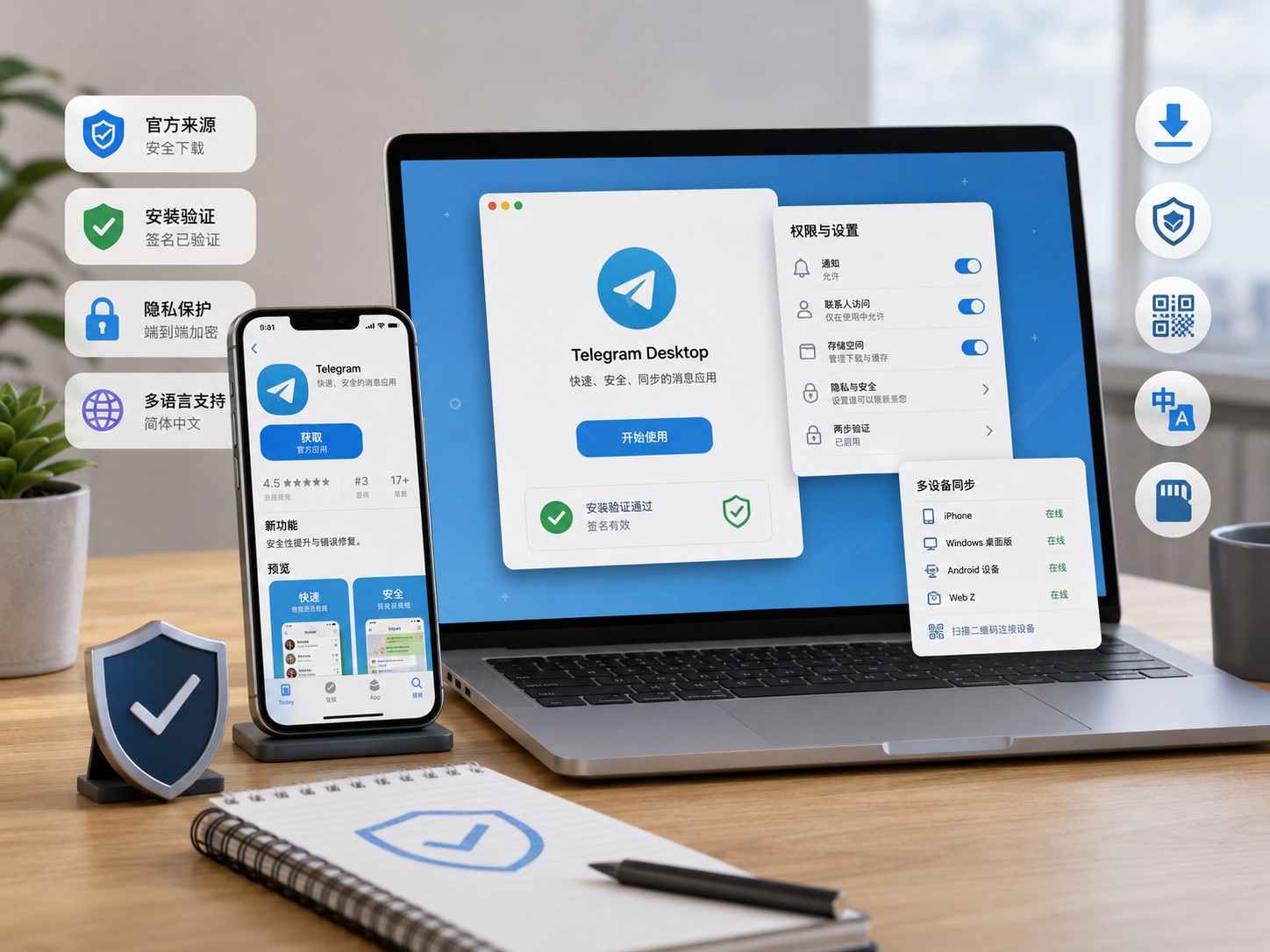
A Safe Download Checklist for Messaging Apps on Mobile and Desktop Devices
Downloading a messaging app is usually quick, but a safe setup requires more than clicking the first download button. Users should check the device version, download source, installation file, permissions, account verification process, and privacy settings before relying on the app for daily communication. These checks are especially important when the app will be used across both mobile and desktop devices.
The first step is to identify the device platform. A mobile phone, tablet, Windows computer, and macOS device may all require different installation methods. Android users may need an APK or app store version. iPhone users usually install through the App Store. Windows users may need a desktop installer. Choosing the wrong version can cause installation errors, missing features, or login problems.
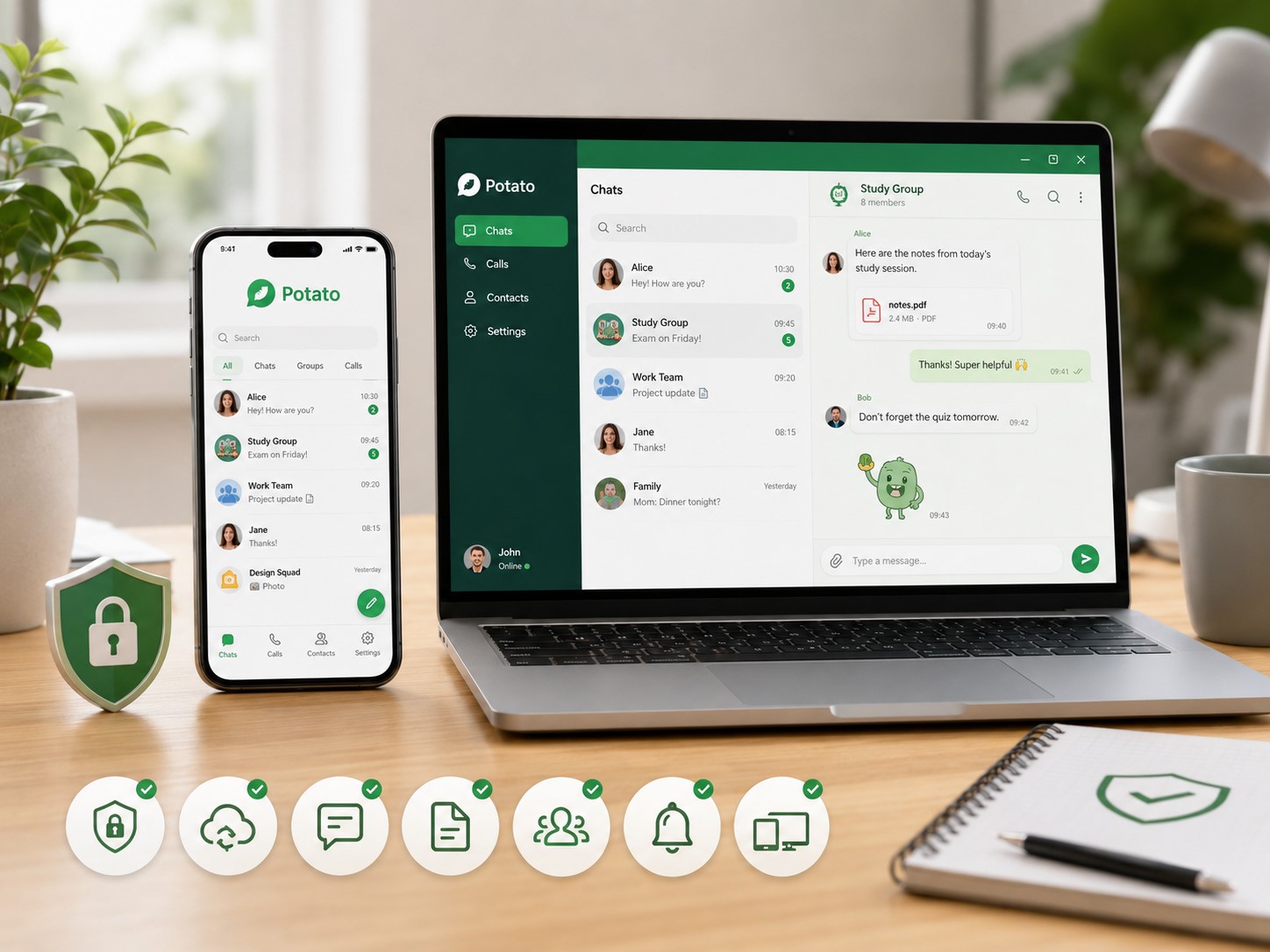
How to Choose a Messaging App for Daily Communication Across Devices
Messaging apps have become essential tools for personal communication, online communities, work groups, and file sharing. Many users now expect a chat app to work smoothly across phones, tablets, and desktop computers. However, choosing a messaging app should not be based only on how fast it can be downloaded. Users should also consider device compatibility, account security, privacy controls, notification settings, and long-term usability.
Before installing any messaging app, users should first think about how they plan to use it. Some people mainly need one-to-one private chats. Others may use group conversations, community channels, file sharing, voice messages, or cross-device synchronization. A user who only chats with friends may need a simple mobile app, while someone who manages groups or sends many files may benefit from desktop access as well.
 KONTROLA IMEI


















