Що? або хто такий Google Assistant? Мені здається, що пояснювати не потрібно, бо кожен стикався з ним хоча б раз у житті. Кожен, хто має смартфон або iPhone , використовував цю корисну функцію і знає, наскільки вона корисна у багатьох ситуаціях. А що робити в ситуації, коли це не працює для нас, а Google Асистент відмовляється нас слухатися? На щастя, існує простий спосіб впоратися з цим.
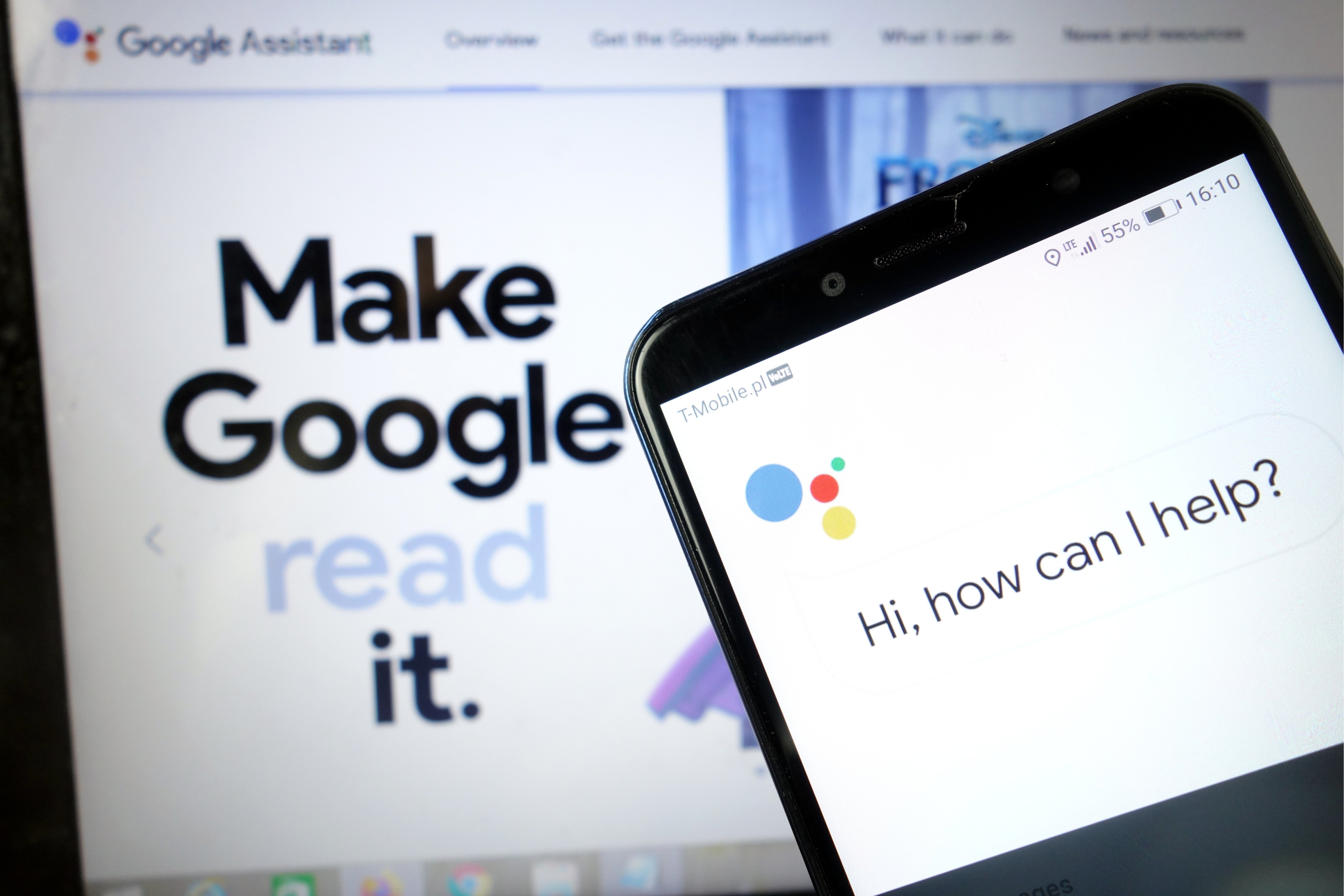
Безсумнівно, Google Assistant - одна з корисних програм, яку ми можемо мати на своєму телефоні. Завдяки багатому функціоналу ми можемо робити з ним практично все, не рухаючись з місця. Google Асистент - це наша права рука, яка буде виконувати прості повсякденні дії, а то й складніші. Напевно, опція голосового управління - це полегшення, завдяки якому нам навіть не доводиться користуватися клавіатурою нашого телефону. Якщо ви дотримуєтесь технологій, а також використовуєте сучасні пристрої Smart Home у своїй квартирі, Google Assistant також стане ідеальним пультом дистанційного керування, завдяки якому ви зможете керувати, наприклад, розумними лампочками або посудомийними машинами. Ви можете перераховувати плюси використання цієї функції нескінченно, а що, якщо Google Assistant не хоче, щоб ми працювали належним чином?
На щастя, проблеми, пов’язані з Google Assistant , не дуже серйозні, тому їх легко вирішити за лічені хвилини. Просто дотримуйтесь наведених нижче методів, і все повинно проходити гладко.
Перезавантажте телефон
Почнемо з простого: перезапустіть телефон. Зробити це швидко і легко, і, безумовно, варто перевірити, як відомо з усунення ряду технічних проблем. Я впевнений, що всі ви знаєте, як скинути налаштування пристрою Android , але я пройду цей процес про всяк випадок.
Все, що вам потрібно зробити, це натиснути і утримувати кнопку живлення на пристрої протягом секунди-двох, тоді ви побачите кілька варіантів. Виберіть варіант Перезапустити / Перезавантажити, і все зробить ваш телефон. Коли ви повертаєте слухавку, спробуйте запустити Асистент Google, щоб перевірити, чи проблема не зникає. Якщо так, перейдіть до другого кроку.

Переконайтеся, що Асистент увімкнено, і чи підтримує його ваш пристрій
Спочатку перевірте, чи підтримує ваш телефон Google Assistant - не кожна модель підтримує. Пристрої, які його підтримують:
Android 5.0+ із принаймні 1 ГБ пам’яті
Android 6.0+ з принаймні 1,5 ГБ пам'яті
Google 6.13 або новішої версії
Служби Google Play
Роздільна здатність екрану не менше 720p
Крім того, для мови пристрою потрібно встановити одне з наступного: китайська (традиційна), датська, голландська, англійська, французька, німецька, хінді, індонезійська, італійська, японська, корейська, норвезька, польська, португальська, російська, іспанська, шведська , Тайська, турецька або в’єтнамська.
Не забудьте увімкнути Google Assistant на своєму пристрої Android
Якщо все правильно, але Google Assistant все ще не працює на вашому телефоні, наступне, що потрібно зробити, це переконатися, що послугу ввімкнено. Відкрийте програму Google на своєму телефоні, виберіть "Більше" внизу екрана та натисніть "Налаштування", а потім "Google Assistant". Наступним кроком є прокрутка вниз до пункту Загальне та натискання на нього. Потім увімкніть перемикач біля "Google Assistant", щоб завершити процес. Потім спробуйте викликати Асистента , сказавши "Ok Google або" Hey Google ". Якщо нічого іншого на екрані не з'являється, пора перейти до третього кроку.
Перенавчіть свою голосову модель
Можливо, Google Assistant не працює, оскільки не розпізнає ваш голос. Це легко виправити, оскільки все, що вам потрібно зробити, це перенавчити голосову модель.
Ось як це зробити:
- Відкрийте програму Google на своєму телефоні,
- Виберіть Більше внизу екрана, а потім натисніть Налаштування.
- Наступним кроком є натискання Voice і Вибір Voice Match.
- Тепер натисніть на повзунок поруч із розділом Hey Google.
- Клацніть «Далі», а потім « Згоден», коли з’явиться розділ «Я погоджуюсь на Voice Match».
- Потім дотримуйтесь інструкцій на екрані, щоб повторно вивчити голосову модель. Все дуже просто - просто кілька разів скажіть "Ok Google" і " Hey Google".
Закінчивши, повторіть ключове слово ще раз, щоб перевірити, чи проблему вирішено та чи працює Google Assistant . Якщо ні, то можна спробувати ще кілька речей, і ми їх детальніше розглянемо.

Інші можливі рішення
Якщо жодне з виправлень дотепер не вирішило проблему з Google Assistant , спробуйте:
- Перевірте мікрофон: переконайтесь, що мікрофон працює, і ви не закриваєте його рукою, намагаючись викликати Асистента. Якщо Асистент вас не чує, він не відповість.
- Перевірте підключення до Інтернету. Щоб користуватися Асистентом, ви повинні бути в мережі. Переконайтеся, що ви під’єднані до Wi-Fi або стільникової мережі, а з’єднання стабільне.
- Вимкніть інших голосових помічників: якщо у вас пристрій Samsung, спробуйте вимкнути Bixby, щоб перевірити, чи це вирішує проблему. І якщо ви завантажили на телефон Alexa, Cortana або іншого голосового помічника, вимкніть його або видаліть.
- Оновіть додаток. Переконайтеся, що додаток Google оновлено до останньої версії. Також переконайтеся, що ви надаєте всі дозволи програмам Google , перейшовши в Налаштування> Додатки> Додаток Google> Дозволи (шлях може залежати від моделі).
Одне з цих виправлень має вирішити проблему, з якою ви зіткнулися під час використання Google Assistant, але якщо цього не сталося, швидше за все проблема в Google, а не у вас. Це може траплятися час від часу, особливо коли оновлення програмного забезпечення недійсне. Зазвичай Google вирішує ці проблеми протягом дня-двох, тому шукайте нове оновлення програми Google.
Дізнайтеся, як увімкнути голос Google Асистента на телефоні
Слідуй за нами




What Happens to Your Business Number When a Work Phone Is Lost, Stolen or Replaced?
What happens to your business number depends on where it lives. If the number is tied to the SIM in the lost phone, it stops working for you until the carrier issues a replacement SIM or eSIM, and calls from customers go nowhere in the meantime.
If the number lives in a cloud phone account instead, losing the phone doesn't take the number with it. Calls can ring the rest of the team straight away, and the employee signs into the calling app on a new phone to pick up where they left off, with their call history and voicemails still in the account.

Cricfy APK Download Latest Version For Android
Cricfy is a sports streaming application designed for users interested in watching live sports and following different sporting events. Its main focus is to provide convenient access to sports-related content through a mobile-friendly platform.
Cricket is an important part of its appeal, particularly for viewers who enjoy international matches, domestic competitions, and major cricket tournaments. Depending on the available content and supported sources, users may also find football and other sports-related options.
The application is particularly interesting for people who prefer watching sports on their Android devices rather than sitting in front of a television.

Uniwin-Global Rockchip Embedded Motherboards: Sourcing from China for MOQ, QC, Export and Technical Support
Sourcing Rockchip motherboards from China is a procurement question, not a price search. The seven things that actually decide whether a supplier works: pricing that scales with order size, a quality floor you can verify, export terms you can clear, a sample path that starts below the MOQ, technical support that answers, and engineering that catches integration issues before they cost you a quarter.
Uniwin-Global is the running example. The company has built Rockchip boards since 2016 [3], the current flagship is the RK3588 M588 with a 6 TOPS NPU [1], and the site lists 20+ countries served and 200+ projects delivered [4]. The published quality baseline is a sub-1% defect rate with a 1-year motherboard warranty, and the service baseline is a 2-hour response and 48-hour resolution [5, 6].
Two other supplier lanes exist: multi-platform makers that quote Rockchip alongside Allwinner and others, and dev-kit sellers that sell a reference board at a low price. Each lane fits a different stage of the project. The wrong lane is more expensive than the right one at the same unit price. Pick the lane first. The price follows.
One caution. A product page is a claim. The MOQ, the trade term, the QC gate and the SLA all need to be in writing before the PO is signed.

How to Build a HIFU Product Line That Distributors Can Manage
Every HIFU variant a distributor adds brings its own cartridge bin, manual, training file, and spare-parts list. Product lines rarely get out of hand through planning. They grow one request at a time: a different housing color, a narrower cartridge, a regional plug for one important clinic. Eventually pricing can't be explained in one sentence, and cartridge orders split across codes that look almost identical.
This guide is for distributors, importers, and private-label buyers who stock HIFU systems for clinics and med spas and carry the after-sales work themselves. It covers how to group clinic demand, which differences deserve their own model code, how to price tiers against landed cost, and how to plan cartridge replenishment and service records around machines already in the field. The aim is a line chosen by what you can stock, train, and service, rather than by what clinics happen to ask for.
Check SIM Owner Details in Pakistan Official Guide
Phones have become an integral part of human life. From making calls to mobile banking and shopping and social media every function requires a sim card to get connected in Pakistan. A responsible person must know how many sim cards are registered under his CNIC and if they are verified or not. The Check SIM Owner Details Pakistan system enables you to ensure that your SIM cards are legitimate and registered under your details.
While searching for Fresh SIM Database, it is critical to understand that SIM card details are private and confidential, and only the owner can check them. This article will explain what SIM owner details are, why it is essential to verify them, how to check them officially, and why it is safer to avoid unverified sources for checking.
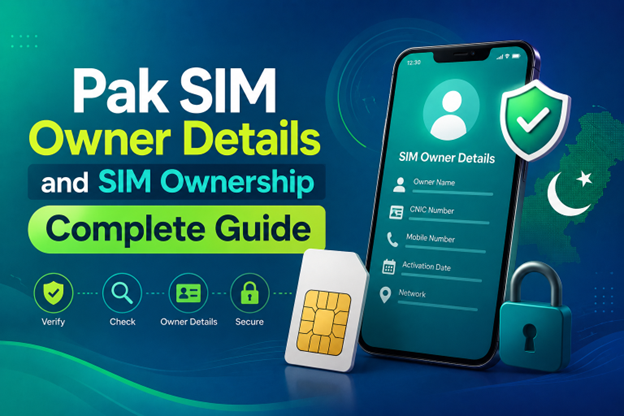
Pak SIM Owner Details and SIM Ownership Complete Guide
It becomes difficult to understand and navigate SIM card registration and ownership in Pakistan considering all the regulations and the amount of information that is available online. You may have gotten a new SIM card, or you might be curious about how many SIM cards are associated with your CNIC number; in any case, having an understanding of the process is critical.
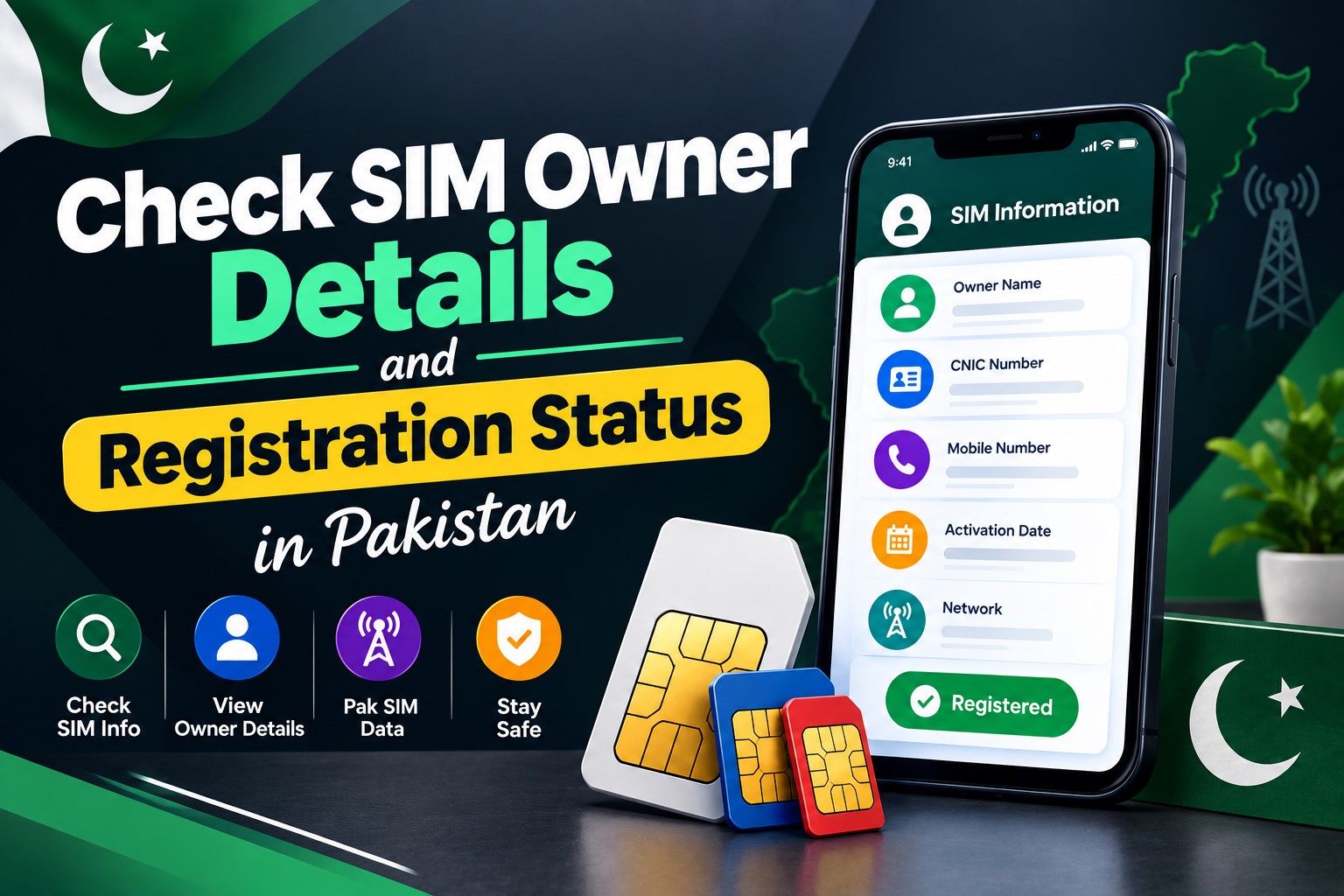
How to Check SIM Owner Details and Registration Status in Pakistan
Checking your SIM card details is very important in Pakistan today. Every mobile SIM card is directly linked to your CNIC number through thumb verification. Keeping an eye on your Pak Sim Owner Details protects your identity, stops scams, and makes sure nobody uses your name for wrong activities. Many people search for ways to check their Sim Owner Details 2026 status, see active numbers, and remove unused SIMs. This article explains how you can easily check everything yourself without any trouble.

Apple iPhone Duo Review: Foldable iPhone Specs, Price & Features
Apple is entering the foldable smartphone market with the iPhone Duo, a premium foldable iPhone built around two displays, the A20 Pro processor, a titanium construction, dual 48 MP cameras and a redesigned iOS experience focused on multitasking. But the iPhone Duo is interesting for another reason as well. A folding phone is inherently more complex than a conventional smartphone. It has two displays, a precision hinge, multiple operating positions and completely new ways of using cameras and applications.
 ПЕРЕВІРИТИ IMEI



















I cannot see whole article