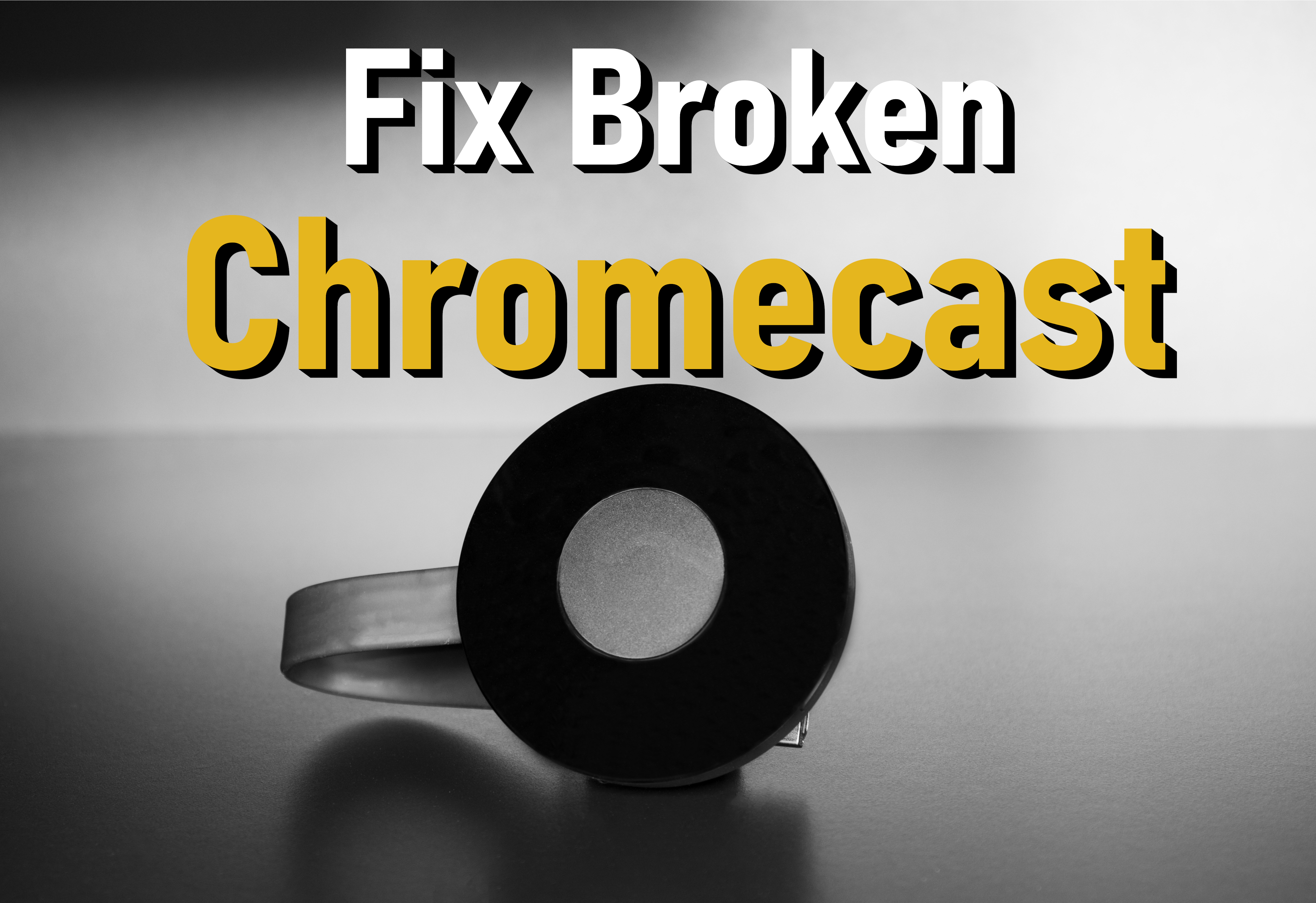
Chromecast เป็นเทคโนโลยีที่ช่วยให้สามารถสตรีมความบันเทิงและแอปพลิเคชันจาก อุปกรณ์มือถือ แท็บเล็ต หรือ คอมพิวเตอร์ ไปยัง ทีวี หรือ ลำโพง ต้องขอบคุณฟีเจอร์นี้ คุณจึงสามารถชมภาพยนตร์เรื่องโปรดและฟังเพลงบนหน้าจอขนาดใหญ่ของทีวีได้ น่าเสียดาย เช่นเดียวกับอุปกรณ์อื่นๆ Chromecast อาจทำให้เกิดปัญหาได้ จะทำอย่างไรในกรณีที่เครื่องหยุดทำงาน? วิธีแก้ไข Chromecast ที่ไม่ทำงาน อยู่กับเราจนจบและหาวิธีแก้ไขปัญหานี้!
.
หากคุณเป็น เจ้าของ Chromecast อยู่แล้ว คุณอาจสังเกตเห็นข้อดีของมันแล้ว การส่งเนื้อหาจาก อุปกรณ์มือถือ ไปยังหน้าจอทีวีของคุณทำให้การชมภาพยนตร์หรือฟังเพลงจากลำโพงทำได้ง่ายขึ้น Chromecast ยังเหมาะอย่างยิ่งสำหรับงานปาร์ตี้หรือพบปะเพื่อนฝูง ด้วย Chromecast คุณสามารถทำซ้ำเบราว์เซอร์ของคุณบน สมาร์ทโฟน และสตรีมอะไรก็ได้ที่คุณต้องการ ดังที่เราได้กล่าวไว้ก่อนหน้านี้ ปัญหาเกี่ยวกับ Chromecast อาจปรากฏขึ้น แม้ว่าจะไม่ใช่ปัญหาทั่วไป แต่ก็คุ้มค่าที่จะทราบวิธีจัดการกับมัน โปรดอ่านบทความด้านล่างอย่างละเอียดและค้นหาวิธีจัดการกับปัญหาดังกล่าว
แนะนำ: >> บทแนะนำ CHROMECAST <<
1. รีสตาร์ทอุปกรณ์ Chromecast
เมื่อ Chromecast ไม่ทำงาน สิ่งแรกที่คุณควรลองคือ รีสตาร์ทอุปกรณ์
วิธีที่ง่ายที่สุดในการทำเช่นนี้คือการถอดปลั๊กโดยลองแล้วและจริง รอประมาณหนึ่งนาทีแล้วเสียบกลับเข้าไปใหม่
รอสักครู่เพื่อให้บูต จากนั้นลองส่งไปยังอุปกรณ์ของคุณอีกครั้ง วิธีนี้ส่วนใหญ่จะแก้ปัญหาได้ แต่ถ้า Chromecast ยังไม่ทำงาน ให้ทำตามขั้นตอนถัดไป
เพื่อช่วยคุณแก้ปัญหานี้ เราได้แนบวิดีโอที่จัดทำโดยผู้เชี่ยวชาญของเราด้านล่าง คุณยังสามารถ [ดูคำแนะนำ]
2. ตรวจสอบการเชื่อมต่อ Wi-Fi
อย่างที่คุณอาจสังเกตเห็นแล้วในตอนนี้ บ่อยครั้งเมื่อ สมาร์ทโฟน แอป หรืออุปกรณ์ที่เชื่อมต่ออื่นๆ ของคุณหยุดทำงาน เราเตอร์ของคุณต้องหยุดชะงัก เพียงเพราะมันทำงานบนอุปกรณ์เครื่องเดียวไม่ได้ทำให้ Chromecast ไม่ทำงาน
วงจรพลังงานอย่างรวดเร็ว เราเตอร์ควรขจัดปัญหาที่อาจเกิดขึ้น เพียงถอดปลั๊กเราเตอร์สักครู่แล้วเชื่อมต่อใหม่ หลังจากรีสตาร์ทเราเตอร์แล้ว ให้ลองเชื่อมต่ออีกครั้ง
สาเหตุที่เป็นไปได้อีกประการของการเชื่อมต่อที่ไม่ดีคือตำแหน่ง ของ Chromecast ด้านหลังทีวี อุปกรณ์ซ่อนอยู่ แต่อาจรับสัญญาณ Wi-Fi ไม่เพียงพอที่จะสตรีมรายการโปรดของคุณ
ในทางกลับกัน หากเครือข่าย Wi-Fi ของคุณใช้ได้และคุณยังคงประสบปัญหาอยู่ ให้ลองเสียบสายต่อ HDMI ที่ให้มาและแยก Chromecast ออกจากทีวี หากคุณโชคดีพอที่จะเป็นเจ้าของ Chromecast Ultra ที่ ล้ำหน้ากว่านั้น คุณมีตัวเลือกเพิ่มเติมในการเสียบสายอีเทอร์เน็ตเข้ากับปลั๊กไฟ
3. รีบูตคอมพิวเตอร์ / สมาร์ทโฟน
เช่นเคย ปัญหามากมายได้รับการแก้ไขด้วยวิธีแก้ปัญหาที่ง่ายและรวดเร็ว นั่นคือการรีบูต ไม่ว่าคุณจะกำลังถ่ายโอนข้อมูลจากโทรศัพท์ แท็บเล็ต หรือคอมพิวเตอร์ การรีสตาร์ทอย่างรวดเร็วอาจเป็นสิ่งที่คุณต้องการ
หาก Chromecast ยังคงไม่ทำงานหลังจากรีสตาร์ทแล้ว ให้ไปที่วิธีถัดไปในรายการ
4. อัปเดตเบราว์เซอร์ Chrome
หากปกติแล้วคุณโอนไฟล์จากคอมพิวเตอร์หรือสมาร์ทโฟน อาจมี Chrome เวอร์ชันใหม่กว่า ให้บริการ ซึ่งอาจทำให้ Chromecast หยุดทำงานหรือปุ่ม "แคสต์" จะไม่ปรากฏบนไซต์ต่างๆ ทำตามขั้นตอนด้านล่างเพื่อตรวจสอบคอมพิวเตอร์ของคุณสำหรับการอัปเดตล่าสุด
- เปิด Chrome บนคอมพิวเตอร์ของคุณ
- คลิก ไอคอน เพิ่มเติม ที่ด้านบนขวา (จุดสามจุด)
- คลิก อัปเดต Google Chrome (ปุ่มจะไม่ปรากฏหากคุณใช้เวอร์ชันล่าสุด)
- คลิก เปิดใหม่
คุณยังสามารถคลิกลิงก์ข้างๆ เพื่อตรวจสอบ Chrome เวอร์ชันปัจจุบันได้อีกด้วย [ดูเวอร์ชัน Chrome]
5. ทำการรีเซ็ตเป็นค่าจากโรงงาน
หากวิธีการทั้งหมดที่กล่าวมาข้างต้นล้มเหลวและ Chromecast ยังคงใช้งานไม่ได้ ก็ถึงเวลารีเซ็ตเป็นค่าจากโรงงาน ข่าวดีก็คือคุณจะไม่สูญเสียข้อมูลใดๆ แต่คุณจะต้องกำหนดค่า Chromecast ใหม่ ตั้งแต่ต้น
โดยไม่ต้องถอด Chromecast ออก ให้กดปุ่มที่ด้านหลังอุปกรณ์ค้างไว้อย่างน้อย 25 วินาที หน้าจอทีวีจะว่างเปล่าในที่สุดและกระบวนการรีเซ็ตจะเริ่มขึ้น
[ดูบทแนะนำการรีเซ็ตเป็นค่าจากโรงงาน]
เมื่อเสร็จแล้ว คุณสามารถเริ่มกระบวนการตั้งค่าได้อีกครั้ง หากเป็นไปได้ ควรใช้อุปกรณ์อื่นที่ไม่ใช่ครั้งแรก วิธีนี้จะช่วยขจัดปัญหาใดๆ ที่เกิดขึ้นกับอุปกรณ์ และกระบวนการนี้ก็ง่ายเหมือนบนสมาร์ทโฟน Windows หรือ Chromebook

6. ลดแสงหรือปิด Chromecast
นี่เป็นปัญหาที่หายากกว่าที่เรากล่าวไว้ข้างต้น นี่คือช่วงเวลาที่ Chromecast ปิดตัวลงกะทันหัน ดังนั้นจึงมีการระบายออกหรือรีสตาร์ทบ่อยๆ เป็นระยะ ปัญหาน่าจะเกี่ยวข้องกับแหล่งจ่ายไฟ
Chromecast ใช้พลังงานจากสาย USB ในกล่อง และทีวีจำนวนมากมีพอร์ต USB วางไว้ข้างพอร์ต HDMI อย่างสะดวก การเชื่อมต่อสาย USB เข้ากับทีวีอาจดูเหมือนเป็นวิธีประหยัดสาย แต่อาจทำให้เกิดปัญหากับแหล่งจ่ายไฟได้
ซึ่งอาจทำให้ Chromecast หยุดทำงานด้วยเหตุผลหลายประการ เมื่อปิด ทีวีจะตัดกระแสไฟไปที่พอร์ต USB ทำให้รีสตาร์ททุกครั้งที่คุณปิดทีวี ที่แย่กว่านั้น ทีวีราคาถูกอาจมีพอร์ต USB ที่กำหนดค่าผิดหรือไม่เสถียร
เพียงถอด สาย Chromecast USB ออกจากทีวีแล้วเสียบเข้ากับที่ชาร์จที่ผนังที่ให้มาก็ช่วยแก้ปัญหาได้ หากคุณยังไม่มีที่ชาร์จติดผนัง ให้ลองใช้ที่ชาร์จโทรศัพท์เครื่องเก่าหรือซื้อที่ชาร์จของบริษัทอื่น คุณยังสามารถอัปเกรดเป็น รีโมตคอนโทรลและแอปพลิเคชันล่าสุดที่เปิดใช้งาน Chromecast ได้อีกด้วย
ตามเรามา



What Happens to Your Business Number When a Work Phone Is Lost, Stolen or Replaced?
What happens to your business number depends on where it lives. If the number is tied to the SIM in the lost phone, it stops working for you until the carrier issues a replacement SIM or eSIM, and calls from customers go nowhere in the meantime.
If the number lives in a cloud phone account instead, losing the phone doesn't take the number with it. Calls can ring the rest of the team straight away, and the employee signs into the calling app on a new phone to pick up where they left off, with their call history and voicemails still in the account.
Cricfy APK Download Latest Version For Android
Cricfy is a sports streaming application designed for users interested in watching live sports and following different sporting events. Its main focus is to provide convenient access to sports-related content through a mobile-friendly platform.
Cricket is an important part of its appeal, particularly for viewers who enjoy international matches, domestic competitions, and major cricket tournaments. Depending on the available content and supported sources, users may also find football and other sports-related options.
The application is particularly interesting for people who prefer watching sports on their Android devices rather than sitting in front of a television.
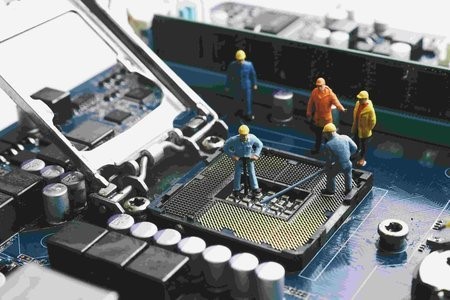
Uniwin-Global Rockchip Embedded Motherboards: Sourcing from China for MOQ, QC, Export and Technical Support
Sourcing Rockchip motherboards from China is a procurement question, not a price search. The seven things that actually decide whether a supplier works: pricing that scales with order size, a quality floor you can verify, export terms you can clear, a sample path that starts below the MOQ, technical support that answers, and engineering that catches integration issues before they cost you a quarter.
Uniwin-Global is the running example. The company has built Rockchip boards since 2016 [3], the current flagship is the RK3588 M588 with a 6 TOPS NPU [1], and the site lists 20+ countries served and 200+ projects delivered [4]. The published quality baseline is a sub-1% defect rate with a 1-year motherboard warranty, and the service baseline is a 2-hour response and 48-hour resolution [5, 6].
Two other supplier lanes exist: multi-platform makers that quote Rockchip alongside Allwinner and others, and dev-kit sellers that sell a reference board at a low price. Each lane fits a different stage of the project. The wrong lane is more expensive than the right one at the same unit price. Pick the lane first. The price follows.
One caution. A product page is a claim. The MOQ, the trade term, the QC gate and the SLA all need to be in writing before the PO is signed.

How to Build a HIFU Product Line That Distributors Can Manage
Every HIFU variant a distributor adds brings its own cartridge bin, manual, training file, and spare-parts list. Product lines rarely get out of hand through planning. They grow one request at a time: a different housing color, a narrower cartridge, a regional plug for one important clinic. Eventually pricing can't be explained in one sentence, and cartridge orders split across codes that look almost identical.
This guide is for distributors, importers, and private-label buyers who stock HIFU systems for clinics and med spas and carry the after-sales work themselves. It covers how to group clinic demand, which differences deserve their own model code, how to price tiers against landed cost, and how to plan cartridge replenishment and service records around machines already in the field. The aim is a line chosen by what you can stock, train, and service, rather than by what clinics happen to ask for.
Check SIM Owner Details in Pakistan Official Guide
Phones have become an integral part of human life. From making calls to mobile banking and shopping and social media every function requires a sim card to get connected in Pakistan. A responsible person must know how many sim cards are registered under his CNIC and if they are verified or not. The Check SIM Owner Details Pakistan system enables you to ensure that your SIM cards are legitimate and registered under your details.
While searching for Fresh SIM Database, it is critical to understand that SIM card details are private and confidential, and only the owner can check them. This article will explain what SIM owner details are, why it is essential to verify them, how to check them officially, and why it is safer to avoid unverified sources for checking.
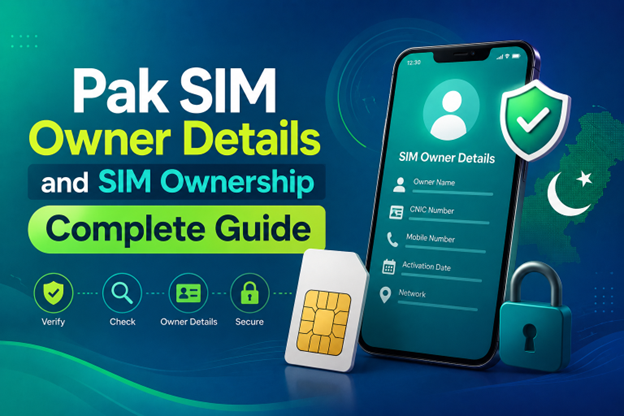
Pak SIM Owner Details and SIM Ownership Complete Guide
It becomes difficult to understand and navigate SIM card registration and ownership in Pakistan considering all the regulations and the amount of information that is available online. You may have gotten a new SIM card, or you might be curious about how many SIM cards are associated with your CNIC number; in any case, having an understanding of the process is critical.
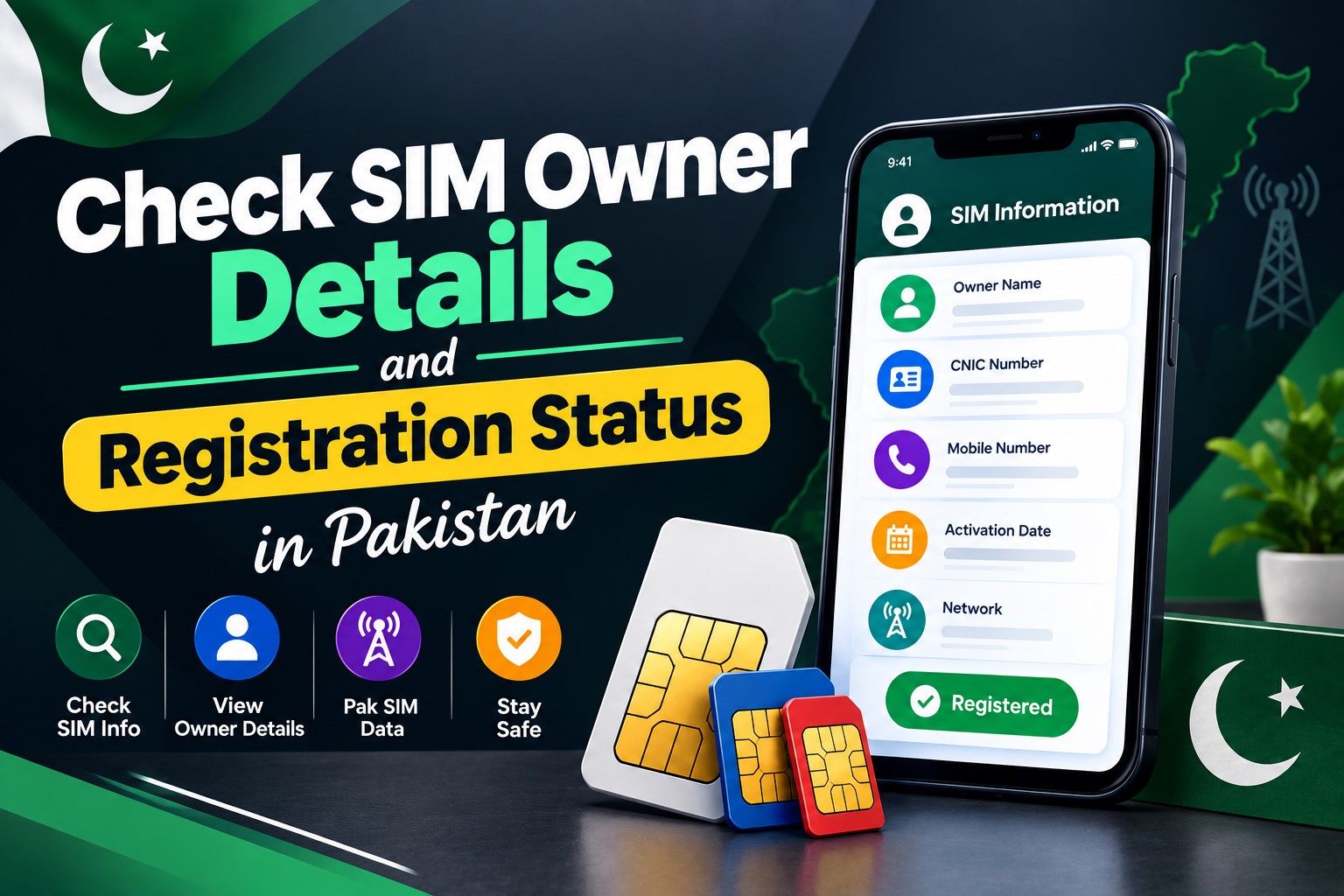
How to Check SIM Owner Details and Registration Status in Pakistan
Checking your SIM card details is very important in Pakistan today. Every mobile SIM card is directly linked to your CNIC number through thumb verification. Keeping an eye on your Pak Sim Owner Details protects your identity, stops scams, and makes sure nobody uses your name for wrong activities. Many people search for ways to check their Sim Owner Details 2026 status, see active numbers, and remove unused SIMs. This article explains how you can easily check everything yourself without any trouble.
Apple iPhone Duo Review: Foldable iPhone Specs, Price & Features
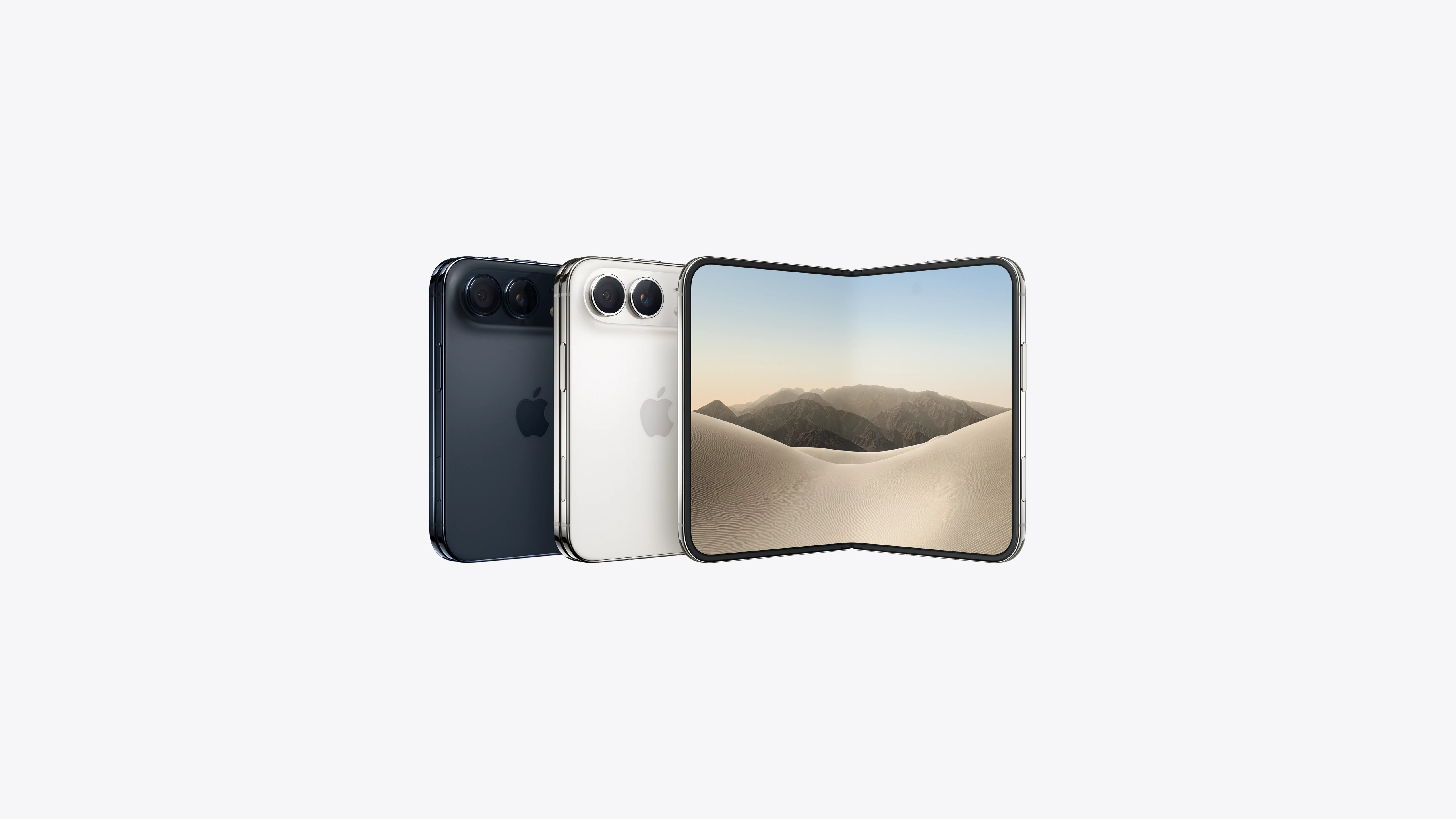
Apple is entering the foldable smartphone market with the iPhone Duo, a premium foldable iPhone built around two displays, the A20 Pro processor, a titanium construction, dual 48 MP cameras and a redesigned iOS experience focused on multitasking. But the iPhone Duo is interesting for another reason as well. A folding phone is inherently more complex than a conventional smartphone. It has two displays, a precision hinge, multiple operating positions and completely new ways of using cameras and applications.
 ตรวจสอบ IMEI