อะไร? หรือ Google Assistant คือใคร สำหรับฉันดูเหมือนว่าไม่จำเป็นต้องอธิบายเพราะทุกคนเคยรับมือกับเขาอย่างน้อยหนึ่งครั้งในชีวิตของเขา ทุกคนที่มี สมาร์ทโฟน หรือ iPhone เคยใช้ฟังก์ชันที่มีประโยชน์นี้และรู้ว่ามันมีประโยชน์อย่างไรในหลาย ๆ สถานการณ์ และจะทำอย่างไรในสถานการณ์ที่มันไม่ได้ผลสำหรับเราและ Google Assistant ไม่ยอมเชื่อฟังเรา? โชคดีที่มีวิธีง่ายๆในการจัดการกับมัน
Google Assistant เป็นหนึ่งในแอปพลิเคชันที่มีประโยชน์ที่เรามีใน โทรศัพท์ของเราอย่างไม่ต้องสงสัย ด้วยฟังก์ชั่นที่หลากหลายทำให้เราสามารถทำทุกอย่างได้จริงโดยไม่ต้องย้ายออกจากที่ Google Assistant เป็นมือขวาของเราที่จะทำกิจกรรมง่ายๆในชีวิตประจำวันสำหรับเราและกิจกรรมที่ซับซ้อนยิ่งขึ้นไปอีก แน่นอนว่าตัวเลือกการควบคุมด้วยเสียงคือการอำนวยความสะดวกซึ่งเราไม่ต้องใช้แป้นพิมพ์ของ โทรศัพท์ หากคุณติดตามเทคโนโลยีและใช้ อุปกรณ์ Smart Home ที่ ทันสมัยในอพาร์ตเมนต์ของคุณ Google Assistant ก็จะเป็นรีโมทคอนโทรลที่สมบูรณ์แบบเช่นกันซึ่งคุณสามารถควบคุมได้เช่นหลอดไฟอัจฉริยะหรือเครื่องล้างจาน คุณสามารถระบุข้อดีของการมีฟังก์ชั่นนี้ได้ไม่รู้จบและจะเกิดอะไรขึ้นถ้า Google Assistant ไม่ต้องการให้เราทำงานอย่างถูกต้อง
โชคดีที่ปัญหาที่เกี่ยวข้องกับ Google Assistant ไม่ร้ายแรงมากนักดังนั้นจึงแก้ไขได้ง่ายในไม่กี่นาที เพียงทำตามวิธีการด้านล่างและทุกอย่างจะราบรื่น
รีบูตโทรศัพท์ของคุณ
เริ่มจากวิธีง่ายๆ: รีสตาร์ทโทรศัพท์ของคุณ ทำได้ง่ายและรวดเร็วและคุ้มค่ากับการตรวจสอบดังที่ทราบกันดีจากการขจัดปัญหาทางเทคนิคต่างๆ ฉันแน่ใจว่าคุณทุกคนรู้วิธีรีเซ็ต อุปกรณ์ Android ของคุณ แต่ฉันจะทำตามขั้นตอนนี้ในกรณีนี้
สิ่งที่คุณต้องทำคือกดปุ่มเปิด / ปิดบนอุปกรณ์ค้างไว้หนึ่งหรือสองวินาทีจากนั้นคุณจะเห็นตัวเลือกต่างๆ เลือกตัวเลือก รีสตาร์ท / รีบูต แล้วโทรศัพท์ของคุณจะจัดการส่วนที่เหลือ เมื่อคุณหมุนโทรศัพท์ให้ลองเรียกใช้ Assistant Google เพื่อดูว่าปัญหายังคงมีอยู่หรือไม่ ถ้าเป็นเช่นนั้นไปที่ขั้นตอนที่สอง

ตรวจสอบว่า Assistant เปิดอยู่และอุปกรณ์ของคุณรองรับ
ขั้นแรกตรวจสอบว่า โทรศัพท์ของคุณรองรับ Google Assistant หรือไม่ไม่ใช่ทุกรุ่น อุปกรณ์ที่รองรับต้องการ:
Android 5.0+ พร้อมหน่วยความจำอย่างน้อย 1 GB
Android 6.0+ พร้อมหน่วยความจำอย่างน้อย 1.5 GB
Google 6.13 หรือใหม่กว่า
บริการ Google Play
ความละเอียดหน้าจออย่างน้อย 720p
นอกจากนี้ต้องตั้งค่าภาษาของอุปกรณ์เป็นภาษาใดภาษาหนึ่งต่อไปนี้: จีน (ดั้งเดิม) เดนมาร์กดัตช์อังกฤษฝรั่งเศสเยอรมันฮินดีอินโดนีเซียอิตาลีญี่ปุ่นเกาหลีนอร์เวย์โปแลนด์โปรตุเกสรัสเซียสเปนสวีเดน , ไทย, ตุรกีหรือเวียดนาม
อย่าลืมเปิด Google Assistant บนอุปกรณ์ Android ของคุณ
หากทุกอย่างถูกต้อง แต่ Google Assistant ยังไม่ทำงานบนโทรศัพท์ของคุณสิ่งต่อไปที่ต้องทำคือตรวจสอบว่าบริการเปิดอยู่ เปิด แอป Google บนโทรศัพท์ของคุณ เลือก "เพิ่มเติม" ที่ด้านล่างของหน้าจอแล้วคลิก "การตั้งค่า" ตามด้วย "Google Assistant" ขั้นตอนต่อไปคือเลื่อนลงไปที่ทั่วไปแล้วแตะที่มัน จากนั้นเปิดสวิตช์ข้าง "Google Assistant" เพื่อดำเนินการให้เสร็จสิ้น จากนั้นลองเรียก Assistant โดยพูดว่า "Ok Google หรือ" Hey Google " หากไม่มีอะไรปรากฏบนหน้าจอก็ถึงเวลาไปยังขั้นตอนที่สาม
ฝึกรูปแบบเสียงของคุณอีกครั้ง
เป็นไปได้ว่า Google Assistant ไม่ทำงานเนื่องจาก ไม่จดจำเสียงของคุณ แก้ไขได้ง่ายเพราะสิ่งที่คุณต้องทำคือการฝึกรูปแบบเสียงใหม่
วิธีทำมีดังนี้
- เปิด แอป Google บนโทรศัพท์ของคุณ
- เลือกเพิ่มเติม ที่ด้านล่างสุดของหน้าจอจากนั้นคลิก การตั้งค่า
- ขั้นตอนต่อไปคือ แตะ Voice และ เลือก Voice Match
- ตอนนี้แตะที่แถบเลื่อนถัดจากส่วน Hey Google
- คลิกถัดไป จากนั้น ตกลง เมื่อส่วน ฉันยอมรับการจับคู่เสียง ปรากฏขึ้น
- จากนั้นทำตามคำแนะนำบนหน้าจอเพื่อเรียนรู้รูปแบบเสียงอีกครั้ง มันง่ายมากเพียงพูดว่า "Ok Google" และ Hey Google สองสามครั้ง
เมื่อเสร็จแล้วให้พูดคำหลักอีกครั้งเพื่อดูว่าปัญหาได้รับการแก้ไขหรือไม่และ Google Assistant กำลังทำงานอยู่ หากไม่เป็นเช่นนั้นมีสิ่งอื่น ๆ อีกสองสามอย่างที่คุณสามารถลองได้และเราจะตรวจสอบให้ละเอียดยิ่งขึ้น

วิธีแก้ปัญหาอื่น ๆ ที่เป็นไปได้
หากยังไม่สามารถแก้ไขปัญหา Google Assistant ของคุณได้ให้ลองทำดังนี้
- ตรวจสอบไมโครโฟน: ตรวจสอบว่าไมโครโฟนใช้งานได้และคุณไม่ได้บังด้วยมือเมื่อพยายามเรียก Assistant หาก Assistant ไม่ได้ยินคุณก็จะไม่ตอบสนอง
- ตรวจสอบการเชื่อมต่ออินเทอร์เน็ต: คุณต้อง ออนไลน์ เพื่อใช้ Assistant ตรวจสอบให้แน่ใจว่าคุณเชื่อมต่อกับ Wi-Fi หรือเครือข่ายเซลลูลาร์และการเชื่อมต่อนั้นเสถียร
- ปิดใช้งานตัวช่วยเสียงอื่น ๆ : หากคุณมีอุปกรณ์ Samsung ให้ลองปิดใช้งาน Bixby เพื่อดูว่าสามารถแก้ปัญหาได้หรือไม่ และหากคุณดาวน์โหลด Alexa, Cortana หรือผู้ช่วยเสียงอื่นลงในโทรศัพท์ของคุณให้ปิดหรือลบออก
- อัปเดตแอป: ตรวจสอบว่า แอป Google อัปเดตเป็นเวอร์ชันล่าสุด ตรวจสอบให้แน่ใจว่าคุณให้สิทธิ์ทั้งหมดกับ แอป Google โดยไปที่การ ตั้งค่า> แอป> Google App> สิทธิ์ (เส้นทางอาจแตกต่างกันไปตามรุ่น)
หนึ่งในการแก้ไขเหล่านี้ควรแก้ไขปัญหาที่คุณพบขณะใช้ Google Assistant แต่ถ้าไม่เป็นเช่นนั้นปัญหาอาจเกิดจาก Google ไม่ใช่คุณ สิ่งนี้อาจเกิดขึ้นเป็นครั้งคราวโดยเฉพาะเมื่อการอัปเดตซอฟต์แวร์ไม่ถูกต้อง โดยปกติ Google จะแก้ไขปัญหาเหล่านี้ภายในหนึ่งหรือสองวันดังนั้นควรมองหาการอัปเดต แอป Google ใหม่
ดูวิธีเปิดเสียง Google Assistant บนโทรศัพท์ของคุณ
ตามเรามา




What Happens to Your Business Number When a Work Phone Is Lost, Stolen or Replaced?
What happens to your business number depends on where it lives. If the number is tied to the SIM in the lost phone, it stops working for you until the carrier issues a replacement SIM or eSIM, and calls from customers go nowhere in the meantime.
If the number lives in a cloud phone account instead, losing the phone doesn't take the number with it. Calls can ring the rest of the team straight away, and the employee signs into the calling app on a new phone to pick up where they left off, with their call history and voicemails still in the account.
Cricfy APK Download Latest Version For Android
Cricfy is a sports streaming application designed for users interested in watching live sports and following different sporting events. Its main focus is to provide convenient access to sports-related content through a mobile-friendly platform.
Cricket is an important part of its appeal, particularly for viewers who enjoy international matches, domestic competitions, and major cricket tournaments. Depending on the available content and supported sources, users may also find football and other sports-related options.
The application is particularly interesting for people who prefer watching sports on their Android devices rather than sitting in front of a television.

Uniwin-Global Rockchip Embedded Motherboards: Sourcing from China for MOQ, QC, Export and Technical Support
Sourcing Rockchip motherboards from China is a procurement question, not a price search. The seven things that actually decide whether a supplier works: pricing that scales with order size, a quality floor you can verify, export terms you can clear, a sample path that starts below the MOQ, technical support that answers, and engineering that catches integration issues before they cost you a quarter.
Uniwin-Global is the running example. The company has built Rockchip boards since 2016 [3], the current flagship is the RK3588 M588 with a 6 TOPS NPU [1], and the site lists 20+ countries served and 200+ projects delivered [4]. The published quality baseline is a sub-1% defect rate with a 1-year motherboard warranty, and the service baseline is a 2-hour response and 48-hour resolution [5, 6].
Two other supplier lanes exist: multi-platform makers that quote Rockchip alongside Allwinner and others, and dev-kit sellers that sell a reference board at a low price. Each lane fits a different stage of the project. The wrong lane is more expensive than the right one at the same unit price. Pick the lane first. The price follows.
One caution. A product page is a claim. The MOQ, the trade term, the QC gate and the SLA all need to be in writing before the PO is signed.

How to Build a HIFU Product Line That Distributors Can Manage
Every HIFU variant a distributor adds brings its own cartridge bin, manual, training file, and spare-parts list. Product lines rarely get out of hand through planning. They grow one request at a time: a different housing color, a narrower cartridge, a regional plug for one important clinic. Eventually pricing can't be explained in one sentence, and cartridge orders split across codes that look almost identical.
This guide is for distributors, importers, and private-label buyers who stock HIFU systems for clinics and med spas and carry the after-sales work themselves. It covers how to group clinic demand, which differences deserve their own model code, how to price tiers against landed cost, and how to plan cartridge replenishment and service records around machines already in the field. The aim is a line chosen by what you can stock, train, and service, rather than by what clinics happen to ask for.
Check SIM Owner Details in Pakistan Official Guide
Phones have become an integral part of human life. From making calls to mobile banking and shopping and social media every function requires a sim card to get connected in Pakistan. A responsible person must know how many sim cards are registered under his CNIC and if they are verified or not. The Check SIM Owner Details Pakistan system enables you to ensure that your SIM cards are legitimate and registered under your details.
While searching for Fresh SIM Database, it is critical to understand that SIM card details are private and confidential, and only the owner can check them. This article will explain what SIM owner details are, why it is essential to verify them, how to check them officially, and why it is safer to avoid unverified sources for checking.
Pak SIM Owner Details and SIM Ownership Complete Guide
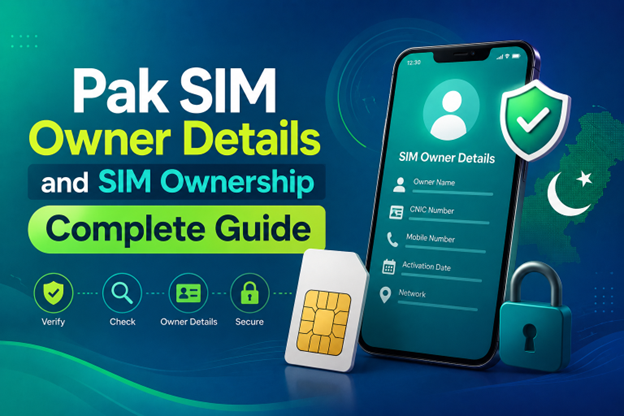
It becomes difficult to understand and navigate SIM card registration and ownership in Pakistan considering all the regulations and the amount of information that is available online. You may have gotten a new SIM card, or you might be curious about how many SIM cards are associated with your CNIC number; in any case, having an understanding of the process is critical.
How to Check SIM Owner Details and Registration Status in Pakistan
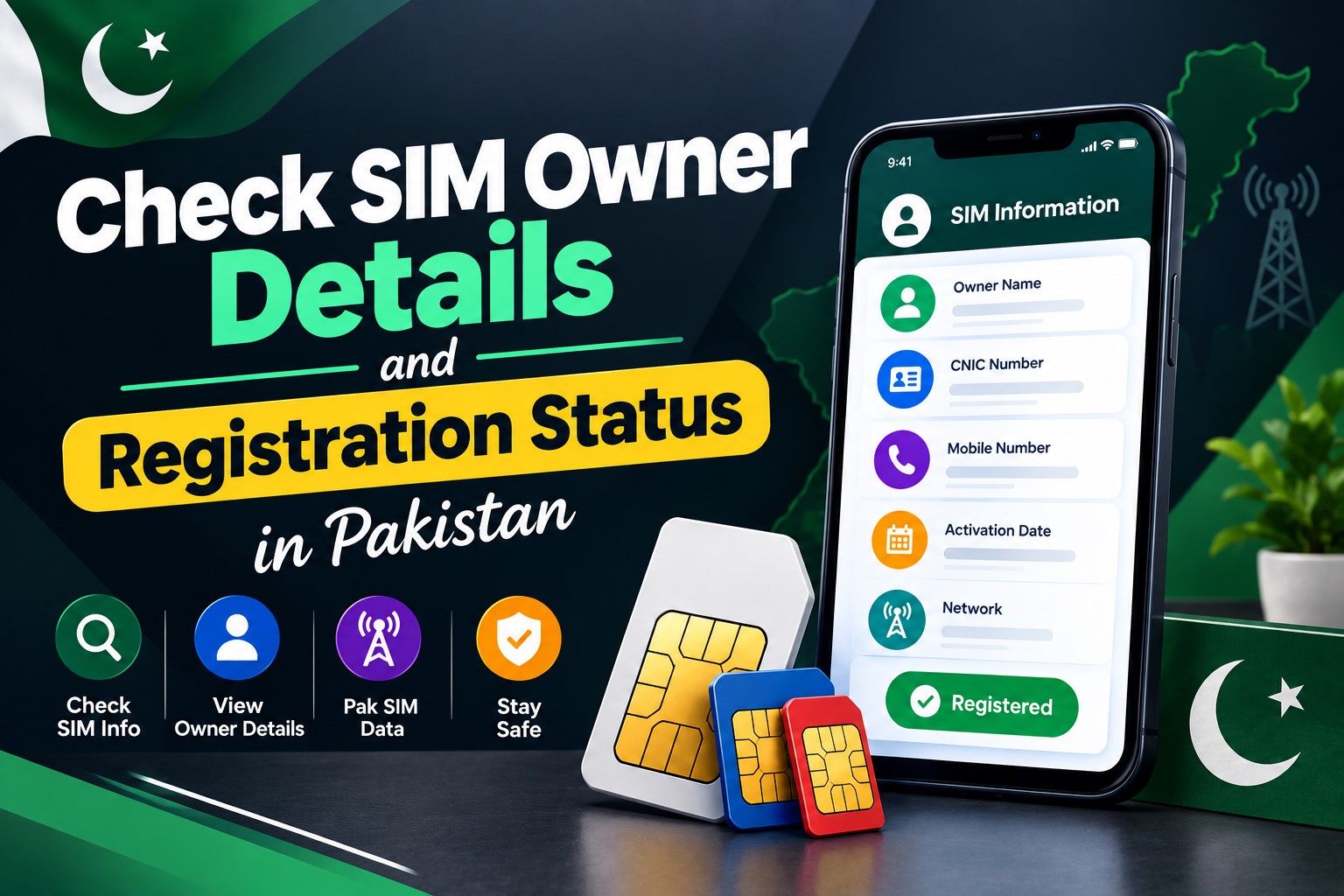
Checking your SIM card details is very important in Pakistan today. Every mobile SIM card is directly linked to your CNIC number through thumb verification. Keeping an eye on your Pak Sim Owner Details protects your identity, stops scams, and makes sure nobody uses your name for wrong activities. Many people search for ways to check their Sim Owner Details 2026 status, see active numbers, and remove unused SIMs. This article explains how you can easily check everything yourself without any trouble.
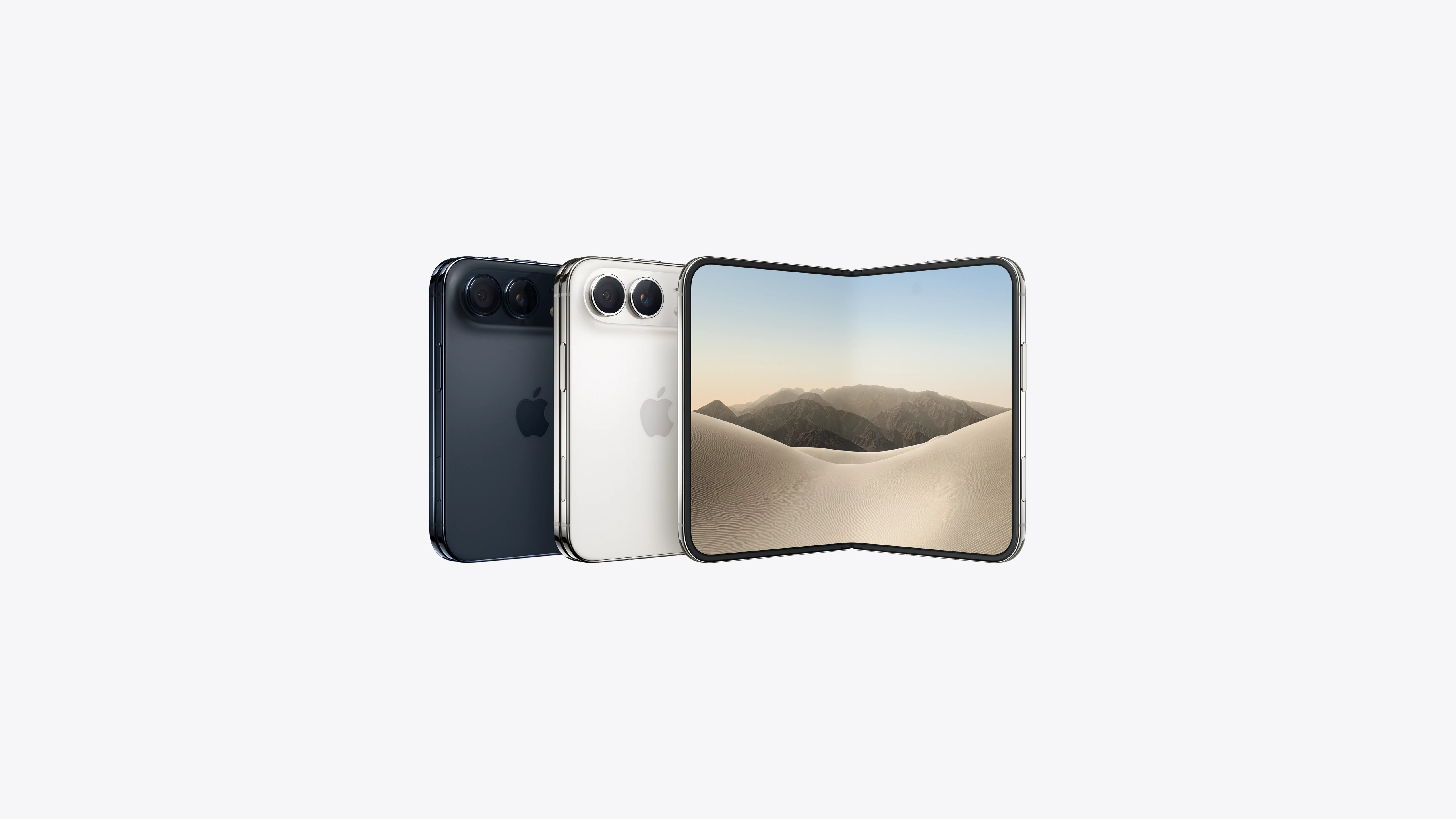
Apple iPhone Duo Review: Foldable iPhone Specs, Price & Features
Apple is entering the foldable smartphone market with the iPhone Duo, a premium foldable iPhone built around two displays, the A20 Pro processor, a titanium construction, dual 48 MP cameras and a redesigned iOS experience focused on multitasking. But the iPhone Duo is interesting for another reason as well. A folding phone is inherently more complex than a conventional smartphone. It has two displays, a precision hinge, multiple operating positions and completely new ways of using cameras and applications.
 ตรวจสอบ IMEI



















I cannot see whole article