Čo? alebo kto je Google Assistant? Zdá sa mi, že to nie je potrebné vysvetľovať, pretože každý sa s ním stretol aspoň raz v živote. Každý, kto má smartphone alebo iPhone , použil túto užitočnú funkciu a vie, aké užitočné je v mnohých situáciách. A čo robiť v situácii, keď to u nás nefunguje a Google Assistant nás odmieta poslúchať? Našťastie existuje jednoduchý spôsob, ako sa s tým vyrovnať.
Google Assistant je nepochybne jednou z užitočných aplikácií, ktoré môžeme mať v telefóne. Vďaka bohatej funkčnosti sme s ňou schopní robiť prakticky všetko bez toho, aby sme sa pohli z miesta. Google Assistant je naša pravá ruka, ktorá za nás urobí jednoduché každodenné činnosti a ešte zložitejšie. Možnosťou hlasového ovládania je určite uľahčenie, vďaka ktorému nemusíme používať ani klávesnicu nášho telefónu. Ak sledujete technológie a vo svojom byte využívate aj moderné zariadenia Smart Home , Google Assistant bude perfektný aj ako diaľkové ovládanie, vďaka ktorému môžete ovládať napríklad inteligentné žiarovky alebo umývačky riadu. Výhody, ktoré majú túto funkciu k dispozícii, môžete uvádzať do nekonečna. Čo ak Google Assistant nechce, aby sme správne fungovali?
Problémy s Asistentom Google našťastie nie sú veľmi vážne, takže je ľahké ich vyriešiť za pár minút. Stačí postupovať podľa nižšie uvedených metód a všetko by malo prebiehať bez problémov.
Reštartujte telefón
Začnime jednoduchým: reštartovaním telefónu. Je to rýchle a ľahké a určite to stojí za to si vyskúšať, ako je známe z eliminácie množstva technických problémov. Som si istý, že všetci viete, ako resetovať zariadenie Android , ale pre každý prípad prejdem týmto procesom.
Všetko, čo musíte urobiť, je stlačiť a podržať vypínač na zariadení na sekundu alebo dve, potom sa zobrazí niekoľko možností. Vyberte možnosť Reštartovať / Reštartovať a o zvyšok sa postará váš telefón. Keď otočíte slúchadlo, skúste spustiť pomocníka Google, aby ste zistili, či problém pretrváva. Ak je to tak, prejdite na druhý krok.

Skontrolujte, či je Asistent zapnutý a či ho podporuje vaše zariadenie
Najskôr skontrolujte, či váš telefón podporuje asistenta Google - nie každý model ho podporuje. Zariadenia, ktoré to podporujú, potrebujú:
Android 5.0+ a minimálne 1 GB pamäte
Android 6.0+ s minimálne 1,5 GB pamäte
Google 6.13 alebo novší
Služby Google Play
Rozlíšenie obrazovky najmenej 720p
Jazyk zariadenia musí byť navyše nastavený na jednu z nasledujúcich možností: čínština (tradičná), dánčina, holandčina, angličtina, francúzština, nemčina, hindčina, indonézština, taliančina, japončina, kórejčina, nórčina, poľština, portugalčina, ruština, španielčina, švédčina , Thajské, turecké alebo vietnamské.
Nezabudnite zapnúť Asistenta Google na zariadení s Androidom
Ak je všetko v poriadku, ale Asistent Google vo vašom telefóne stále nefunguje, musíte skontrolovať, či je služba zapnutá. Otvorte v telefóne aplikáciu Google , v dolnej časti obrazovky vyberte možnosť „Viac“ a kliknite na „Nastavenia“, potom na „Asistent Google“. Ďalším krokom je prejsť nadol na položku Všeobecné a klepnúť na ňu. Potom dokončite proces zapnutím prepínača vedľa položky „Asistent Google“. Potom skúste zavolať Asistenta slovami „Ok Google alebo„ Hey Google. “ Ak sa na obrazovke nezobrazí nič iné, je čas prejsť na tretí krok.
Precvičte si hlasový model
Je možné, že Google Assistant nefunguje, pretože nerozpozná váš hlas. Je ľahké to napraviť, pretože stačí len precvičiť hlasový model.
Postup je nasledovný:
- Otvorte vo svojom telefóne aplikáciu Google,
- Vyberte Viac v dolnej časti obrazovky a potom kliknite na Nastavenia.
- Ďalším krokom je klepnutie na hlas a výber možnosti Voice Match.
- Teraz klepnite na posúvač vedľa sekcie Hej Google.
- Keď sa zobrazí časť I Agree to Voice Match, kliknite na Ďalej a potom na Agree.
- Potom postupujte podľa pokynov na obrazovke a znovu sa naučte hlasový model. Je to veľmi jednoduché - stačí párkrát povedať „Ok Google“ a Hej Google.
Po dokončení znova vyslovte kľúčové slovo a skontrolujte, či bol problém vyriešený a či Asistent Google funguje. Ak nie, môžete vyskúšať niekoľko ďalších vecí a my sa im bližšie pozrieme.

Ďalšie možné riešenia
Ak zatiaľ žiadna z opráv nevyriešila váš problém s Asistentom Google , skúste:
- Skontrolujte mikrofón: Pri pokuse o privolanie asistenta sa uistite, že mikrofón funguje a že si ho nezakrývate rukou. Ak vás Asistent nebude počuť, neodpovie.
- Skontrolujte svoje internetové pripojenie: Ak chcete používať Asistenta, musíte byť online. Skontrolujte, či ste pripojení k sieti Wi-Fi alebo celulárnej sieti a či je pripojenie stabilné.
- Zakázanie ďalších hlasových asistentov: Ak máte zariadenie Samsung, skúste deaktivovať aplikáciu Bixby a zistite, či sa tým problém nevyrieši. A ak ste si do telefónu stiahli Alexa, Cortanu alebo iného hlasového asistenta, vypnite ho alebo ho vyberte.
- Aktualizácia aplikácie: Skontrolujte, či je aplikácia Google aktualizovaná na najnovšiu verziu. Nezabudnite tiež udeliť všetky povolenia aplikáciám Google v časti Nastavenia> Aplikácie> Aplikácia Google> Povolenia (cesta sa môže líšiť podľa modelu).
Jedna z týchto opráv by mala vyriešiť problém, s ktorým sa stretnete pri používaní Asistenta Google, ale ak sa tak nestane, je pravdepodobné, že problém má spoločnosť Google a nie vy. Môže sa to občas stať, najmä keď je aktualizácia softvéru neplatná. Google tieto problémy zvyčajne vyrieši do jedného alebo dvoch dní, preto vyhľadajte novú aktualizáciu aplikácie Google.
Zistite, ako na telefóne zapnúť hlas Asistenta Google
Nasleduj nás




What Happens to Your Business Number When a Work Phone Is Lost, Stolen or Replaced?
What happens to your business number depends on where it lives. If the number is tied to the SIM in the lost phone, it stops working for you until the carrier issues a replacement SIM or eSIM, and calls from customers go nowhere in the meantime.
If the number lives in a cloud phone account instead, losing the phone doesn't take the number with it. Calls can ring the rest of the team straight away, and the employee signs into the calling app on a new phone to pick up where they left off, with their call history and voicemails still in the account.

Cricfy APK Download Latest Version For Android
Cricfy is a sports streaming application designed for users interested in watching live sports and following different sporting events. Its main focus is to provide convenient access to sports-related content through a mobile-friendly platform.
Cricket is an important part of its appeal, particularly for viewers who enjoy international matches, domestic competitions, and major cricket tournaments. Depending on the available content and supported sources, users may also find football and other sports-related options.
The application is particularly interesting for people who prefer watching sports on their Android devices rather than sitting in front of a television.

Uniwin-Global Rockchip Embedded Motherboards: Sourcing from China for MOQ, QC, Export and Technical Support
Sourcing Rockchip motherboards from China is a procurement question, not a price search. The seven things that actually decide whether a supplier works: pricing that scales with order size, a quality floor you can verify, export terms you can clear, a sample path that starts below the MOQ, technical support that answers, and engineering that catches integration issues before they cost you a quarter.
Uniwin-Global is the running example. The company has built Rockchip boards since 2016 [3], the current flagship is the RK3588 M588 with a 6 TOPS NPU [1], and the site lists 20+ countries served and 200+ projects delivered [4]. The published quality baseline is a sub-1% defect rate with a 1-year motherboard warranty, and the service baseline is a 2-hour response and 48-hour resolution [5, 6].
Two other supplier lanes exist: multi-platform makers that quote Rockchip alongside Allwinner and others, and dev-kit sellers that sell a reference board at a low price. Each lane fits a different stage of the project. The wrong lane is more expensive than the right one at the same unit price. Pick the lane first. The price follows.
One caution. A product page is a claim. The MOQ, the trade term, the QC gate and the SLA all need to be in writing before the PO is signed.

How to Build a HIFU Product Line That Distributors Can Manage
Every HIFU variant a distributor adds brings its own cartridge bin, manual, training file, and spare-parts list. Product lines rarely get out of hand through planning. They grow one request at a time: a different housing color, a narrower cartridge, a regional plug for one important clinic. Eventually pricing can't be explained in one sentence, and cartridge orders split across codes that look almost identical.
This guide is for distributors, importers, and private-label buyers who stock HIFU systems for clinics and med spas and carry the after-sales work themselves. It covers how to group clinic demand, which differences deserve their own model code, how to price tiers against landed cost, and how to plan cartridge replenishment and service records around machines already in the field. The aim is a line chosen by what you can stock, train, and service, rather than by what clinics happen to ask for.
Check SIM Owner Details in Pakistan Official Guide
Phones have become an integral part of human life. From making calls to mobile banking and shopping and social media every function requires a sim card to get connected in Pakistan. A responsible person must know how many sim cards are registered under his CNIC and if they are verified or not. The Check SIM Owner Details Pakistan system enables you to ensure that your SIM cards are legitimate and registered under your details.
While searching for Fresh SIM Database, it is critical to understand that SIM card details are private and confidential, and only the owner can check them. This article will explain what SIM owner details are, why it is essential to verify them, how to check them officially, and why it is safer to avoid unverified sources for checking.
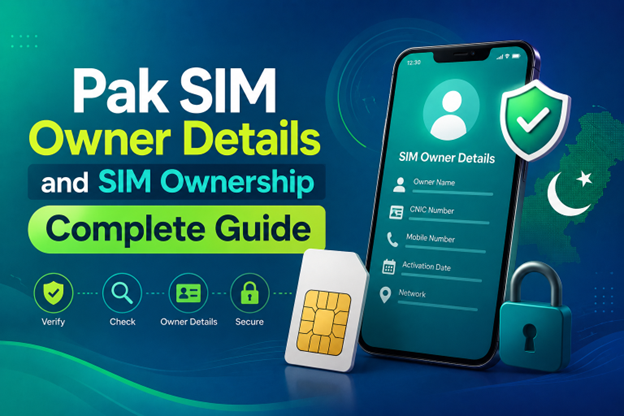
Pak SIM Owner Details and SIM Ownership Complete Guide
It becomes difficult to understand and navigate SIM card registration and ownership in Pakistan considering all the regulations and the amount of information that is available online. You may have gotten a new SIM card, or you might be curious about how many SIM cards are associated with your CNIC number; in any case, having an understanding of the process is critical.
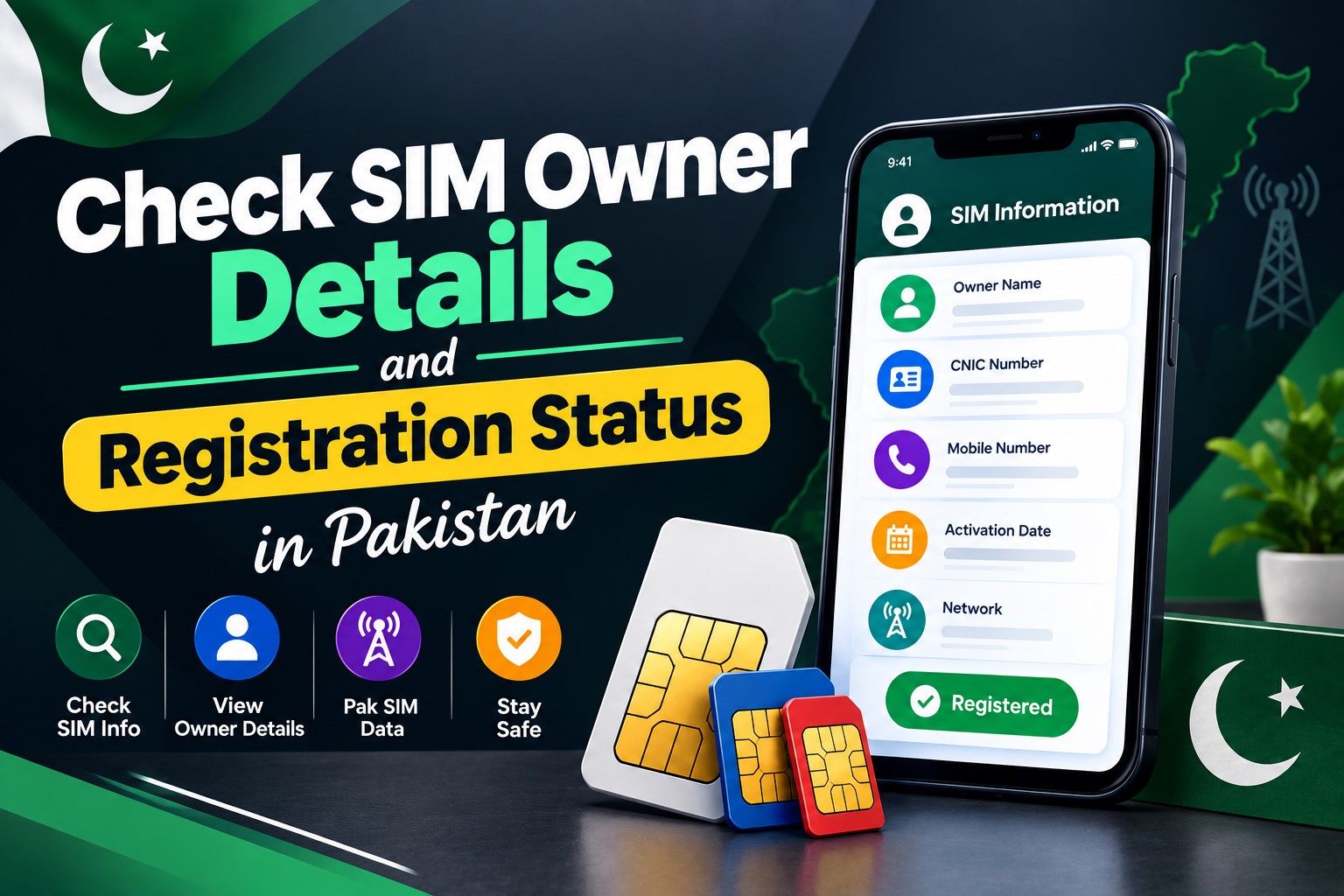
How to Check SIM Owner Details and Registration Status in Pakistan
Checking your SIM card details is very important in Pakistan today. Every mobile SIM card is directly linked to your CNIC number through thumb verification. Keeping an eye on your Pak Sim Owner Details protects your identity, stops scams, and makes sure nobody uses your name for wrong activities. Many people search for ways to check their Sim Owner Details 2026 status, see active numbers, and remove unused SIMs. This article explains how you can easily check everything yourself without any trouble.

Apple iPhone Duo Review: Foldable iPhone Specs, Price & Features
Apple is entering the foldable smartphone market with the iPhone Duo, a premium foldable iPhone built around two displays, the A20 Pro processor, a titanium construction, dual 48 MP cameras and a redesigned iOS experience focused on multitasking. But the iPhone Duo is interesting for another reason as well. A folding phone is inherently more complex than a conventional smartphone. It has two displays, a precision hinge, multiple operating positions and completely new ways of using cameras and applications.
 SKONTROLUJTE IMEI



















I cannot see whole article