O que? ou quem é o Google Assistente? Parece-me que não há necessidade de explicar porque todos já o trataram pelo menos uma vez na vida. Todo mundo que tem um smartphone ou iPhone já usou essa função útil e sabe como ela é útil em muitas situações. E o que fazer em uma situação em que não funciona para nós e o Google Assistente se recusa a nos obedecer? Felizmente, existe uma maneira fácil de lidar com isso.
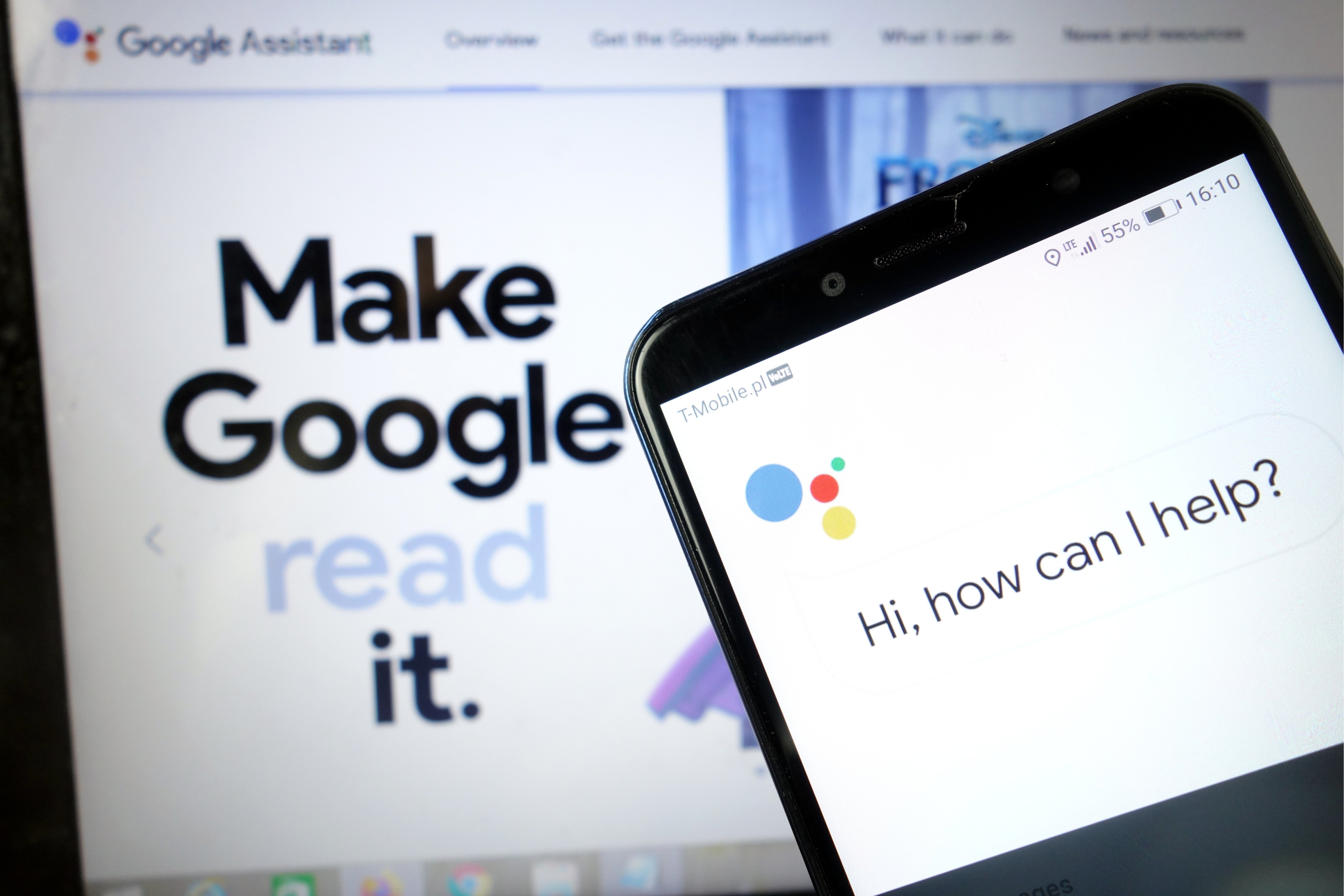
O Google Assistant é, sem dúvida, um dos aplicativos úteis que podemos ter em nosso telefone. Graças à rica funcionalidade, podemos fazer praticamente tudo com ele sem sair do local. O Google Assistente é o nosso braço direito que realiza atividades cotidianas simples para nós, e ainda mais complicadas. Com certeza, a opção de comando de voz é facilitada, graças à qual nem precisamos usar o teclado do nosso telefone. Se você segue a tecnologia e também usa dispositivos modernos de casa inteligente em seu apartamento, o Google Assistant também será perfeito como um controle remoto, graças ao qual você pode controlar, por exemplo, lâmpadas inteligentes ou máquinas de lavar louça. Você pode listar os prós de ter essa função infinitamente, e se o Google Assistente não quiser que funcionemos corretamente?
Felizmente, os problemas relacionados ao Google Assistente não são muito sérios, por isso é fácil resolvê-los em minutos. Basta seguir os métodos listados abaixo e tudo deve correr bem.
Reinicie o seu telefone
Vamos começar com um simples: reinicie seu telefone. É rápido e fácil de fazer e definitivamente vale a pena conferir, como se sabe pela eliminação de uma série de problemas técnicos. Tenho certeza de que todos vocês sabem redefinir seu dispositivo Android , mas vou passar por esse processo apenas para garantir.
Tudo que você precisa fazer é pressionar e segurar o botão liga / desliga no dispositivo por um ou dois segundos, então você verá várias opções. Selecione a opção Reiniciar / Reinicializar e seu telefone fará o resto. Ao ligar o fone, tente executar o Assistente do Google para ver se o problema persiste. Em caso afirmativo, vá para a segunda etapa.

Certifique-se de que o Assistente esteja ligado e que seu dispositivo seja compatível
Primeiro, verifique se seu telefone é compatível com o Google Assistente - nem todos os modelos. Os dispositivos que o suportam precisam de:
Android 5.0+ com pelo menos 1 GB de memória
Android 6.0+ com pelo menos 1,5 GB de memória
Google 6.13 ou posterior
Serviços do Google Play
Resolução de tela de pelo menos 720p
Além disso, o idioma do dispositivo deve ser definido como um dos seguintes: chinês (tradicional), dinamarquês, holandês, inglês, francês, alemão, hindi, indonésio, italiano, japonês, coreano, norueguês, polonês, português, russo, espanhol, sueco , Tailandês, turco ou vietnamita.
Lembre-se de ligar o Google Assistente em seu dispositivo Android
Se tudo estiver correto, mas o Google Assistente ainda não estiver funcionando no seu telefone, a próxima coisa a fazer é verificar se o serviço está ativado. Abra o Google app em seu telefone, selecione "Mais" na parte inferior da tela e clique em "Configurações" e em "Google Assistente". A próxima etapa é rolar para baixo até Geral e tocar nele. Em seguida, ligue a chave ao lado de "Google Assistente" para concluir o processo. Em seguida, tente chamar o Assistente dizendo "Ok Google ou" Ei Google ". Se nada mais aparecer na tela, é hora de passar para a etapa três.
Treine seu modelo de voz novamente
É possível que o Google Assistente não funcione porque não reconhece sua voz. É fácil de consertar porque tudo que você precisa fazer é treinar novamente o modelo de voz.
Veja como fazer:
- Abra o Google app em seu telefone,
- Selecione Mais na parte inferior da tela e clique em Configurações.
- A próxima etapa é tocar em Voice e selecionar Voice Match.
- Agora toque no controle deslizante ao lado da seção Ok Google.
- Clique em Avançar e em Concordo quando a seção Concordo com o Voice Match aparecer.
- Em seguida, siga as instruções na tela para reaprender o modelo de voz. É muito simples - basta dizer "Ok Google" e Hey Google algumas vezes.
Quando terminar, diga a palavra-chave novamente para ver se o problema foi resolvido e se o Google Assistente está funcionando. Caso contrário, existem algumas outras coisas que você pode tentar e vamos analisá-las mais de perto.

Outras soluções possíveis
Se nenhuma das correções até agora resolveram seu problema com o Google Assistente , tente:
- Verifique o microfone: certifique-se de que o microfone está funcionando e você não o está cobrindo com a mão ao tentar invocar o Assistente. Se o seu Assistente não puder ouvir você, ele não responderá.
- Verifique sua conexão com a Internet: Você deve estar online para usar o Assistente. Verifique se você está conectado a uma rede Wi-Fi ou celular e se a conexão está estável.
- Desative outros assistentes de voz: Se você tiver um dispositivo Samsung, tente desativar o Bixby para ver se isso resolve o problema. E se você baixou Alexa, Cortana ou outro assistente de voz para o seu telefone, desligue-o ou remova-o.
- Atualize o aplicativo: certifique-se de que o Google app esteja atualizado para a versão mais recente. Além disso, certifique-se de conceder todas as permissões aos aplicativos do Google acessando Configurações> Aplicativos> Google App> Permissões (o caminho pode variar de acordo com o modelo).
Uma dessas correções deve resolver o problema que você encontra ao usar o Google Assistente, mas se não resolver, é provável que o problema seja com o Google e não com você. Isso pode acontecer de vez em quando, especialmente quando a atualização do software é inválida. O Google geralmente corrige esses problemas em um ou dois dias, portanto, procure uma nova atualização do Google app.
Veja como ativar a voz do Google Assistente em seu telefone
Siga-nos




What Happens to Your Business Number When a Work Phone Is Lost, Stolen or Replaced?
What happens to your business number depends on where it lives. If the number is tied to the SIM in the lost phone, it stops working for you until the carrier issues a replacement SIM or eSIM, and calls from customers go nowhere in the meantime.
If the number lives in a cloud phone account instead, losing the phone doesn't take the number with it. Calls can ring the rest of the team straight away, and the employee signs into the calling app on a new phone to pick up where they left off, with their call history and voicemails still in the account.

Cricfy APK Download Latest Version For Android
Cricfy is a sports streaming application designed for users interested in watching live sports and following different sporting events. Its main focus is to provide convenient access to sports-related content through a mobile-friendly platform.
Cricket is an important part of its appeal, particularly for viewers who enjoy international matches, domestic competitions, and major cricket tournaments. Depending on the available content and supported sources, users may also find football and other sports-related options.
The application is particularly interesting for people who prefer watching sports on their Android devices rather than sitting in front of a television.

Uniwin-Global Rockchip Embedded Motherboards: Sourcing from China for MOQ, QC, Export and Technical Support
Sourcing Rockchip motherboards from China is a procurement question, not a price search. The seven things that actually decide whether a supplier works: pricing that scales with order size, a quality floor you can verify, export terms you can clear, a sample path that starts below the MOQ, technical support that answers, and engineering that catches integration issues before they cost you a quarter.
Uniwin-Global is the running example. The company has built Rockchip boards since 2016 [3], the current flagship is the RK3588 M588 with a 6 TOPS NPU [1], and the site lists 20+ countries served and 200+ projects delivered [4]. The published quality baseline is a sub-1% defect rate with a 1-year motherboard warranty, and the service baseline is a 2-hour response and 48-hour resolution [5, 6].
Two other supplier lanes exist: multi-platform makers that quote Rockchip alongside Allwinner and others, and dev-kit sellers that sell a reference board at a low price. Each lane fits a different stage of the project. The wrong lane is more expensive than the right one at the same unit price. Pick the lane first. The price follows.
One caution. A product page is a claim. The MOQ, the trade term, the QC gate and the SLA all need to be in writing before the PO is signed.

How to Build a HIFU Product Line That Distributors Can Manage
Every HIFU variant a distributor adds brings its own cartridge bin, manual, training file, and spare-parts list. Product lines rarely get out of hand through planning. They grow one request at a time: a different housing color, a narrower cartridge, a regional plug for one important clinic. Eventually pricing can't be explained in one sentence, and cartridge orders split across codes that look almost identical.
This guide is for distributors, importers, and private-label buyers who stock HIFU systems for clinics and med spas and carry the after-sales work themselves. It covers how to group clinic demand, which differences deserve their own model code, how to price tiers against landed cost, and how to plan cartridge replenishment and service records around machines already in the field. The aim is a line chosen by what you can stock, train, and service, rather than by what clinics happen to ask for.
Check SIM Owner Details in Pakistan Official Guide
Phones have become an integral part of human life. From making calls to mobile banking and shopping and social media every function requires a sim card to get connected in Pakistan. A responsible person must know how many sim cards are registered under his CNIC and if they are verified or not. The Check SIM Owner Details Pakistan system enables you to ensure that your SIM cards are legitimate and registered under your details.
While searching for Fresh SIM Database, it is critical to understand that SIM card details are private and confidential, and only the owner can check them. This article will explain what SIM owner details are, why it is essential to verify them, how to check them officially, and why it is safer to avoid unverified sources for checking.
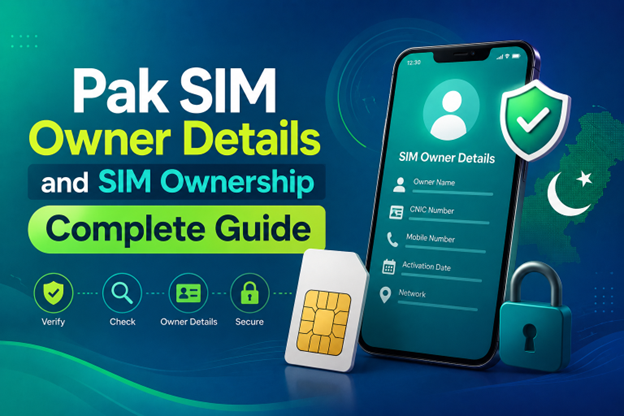
Pak SIM Owner Details and SIM Ownership Complete Guide
It becomes difficult to understand and navigate SIM card registration and ownership in Pakistan considering all the regulations and the amount of information that is available online. You may have gotten a new SIM card, or you might be curious about how many SIM cards are associated with your CNIC number; in any case, having an understanding of the process is critical.
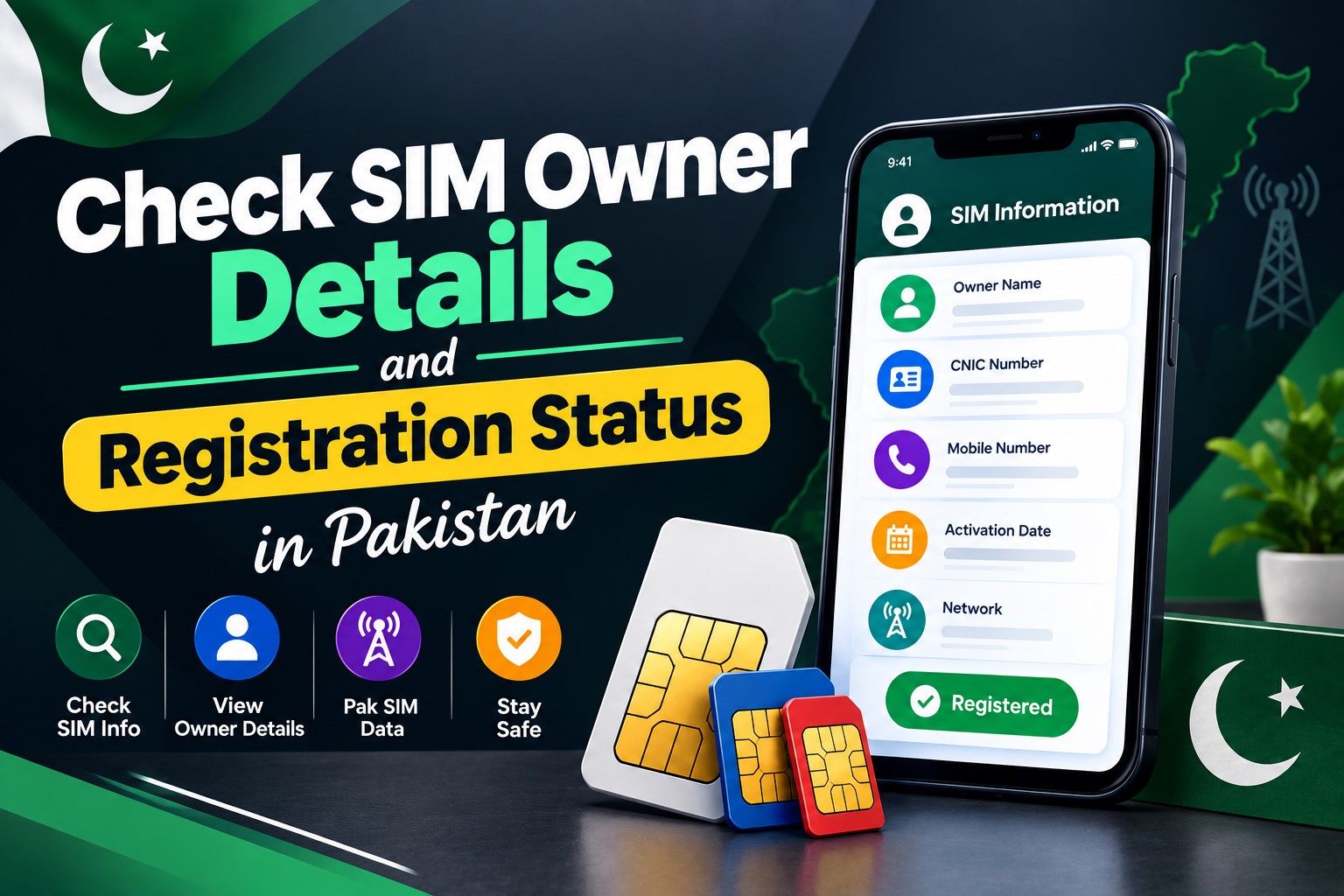
How to Check SIM Owner Details and Registration Status in Pakistan
Checking your SIM card details is very important in Pakistan today. Every mobile SIM card is directly linked to your CNIC number through thumb verification. Keeping an eye on your Pak Sim Owner Details protects your identity, stops scams, and makes sure nobody uses your name for wrong activities. Many people search for ways to check their Sim Owner Details 2026 status, see active numbers, and remove unused SIMs. This article explains how you can easily check everything yourself without any trouble.

Apple iPhone Duo Review: Foldable iPhone Specs, Price & Features
Apple is entering the foldable smartphone market with the iPhone Duo, a premium foldable iPhone built around two displays, the A20 Pro processor, a titanium construction, dual 48 MP cameras and a redesigned iOS experience focused on multitasking. But the iPhone Duo is interesting for another reason as well. A folding phone is inherently more complex than a conventional smartphone. It has two displays, a precision hinge, multiple operating positions and completely new ways of using cameras and applications.
 VERIFICAR IMEI



















I cannot see whole article