Scopri i passaggi essenziali per trasferire senza problemi la tua eSIM su un nuovo dispositivo. Questa guida fornisce istruzioni dettagliate per una transizione graduale. Immergiamoci nei dettagli e padroneggiamo insieme il movimento!
Il trasferimento della tua eSIM su un nuovo dispositivo è un passaggio cruciale per aggiornare la tua configurazione tecnologica. Per garantire una transizione fluida, è essenziale seguire meticolosamente i passaggi specifici. In questa guida ti guideremo attraverso il processo, fornendo istruzioni dettagliate per ogni fase.
Man mano che la tecnologia si evolve, anche i nostri dispositivi si evolvono. Che tu stia aggiornando all'ultimo smartphone o passando a un nuovo tablet, il trasferimento della tua eSIM è un passaggio cruciale per mantenere una connettività ininterrotta. Tuttavia, affrontare questo processo può essere scoraggiante senza una guida adeguata. È qui che entra in gioco la nostra guida completa. Ti guideremo attraverso ogni fase del processo di trasferimento dell'eSIM, garantendoti una transizione fluida e tranquillità.
Come trasferire l'eSIM su un nuovo dispositivo?
- Verifica la compatibilità del dispositivo : inizia confermando che il tuo nuovo dispositivo supporta la tecnologia eSIM. Potrebbero verificarsi problemi di compatibilità se il tuo dispositivo non dispone di questa funzionalità. Fai riferimento alle specifiche del tuo dispositivo o consulta il tuo operatore telefonico per garantire la compatibilità.
- Effettua il backup dei tuoi dati : proteggi i tuoi dati preziosi creando un backup prima di avviare il trasferimento eSIM. Che tu preferisca backup basati su cloud o soluzioni di archiviazione locale, garantire che i tuoi dati siano al sicuro è essenziale per una transizione senza problemi.
- Consulta il tuo operatore telefonico : ogni operatore di telefonia mobile può avere procedure uniche per il trasferimento di eSIM. Contatta l'assistenza clienti del tuo operatore per ricevere guida e assistenza personalizzate durante tutto il processo di trasferimento.
- Accedi alle impostazioni del dispositivo : vai al menu delle impostazioni sul tuo nuovo dispositivo per accedere alle impostazioni eSIM o cellulare. Segui le istruzioni per aggiungere la tua eSIM, assicurandoti che tutte le informazioni inserite siano accurate e aggiornate.
- Attiva e testa: una volta completato il trasferimento dell'eSIM, attiva il tuo nuovo dispositivo ed esegui test approfonditi. Verifica che le funzioni essenziali come chiamate, messaggi e servizi dati funzionino correttamente per garantire una transizione senza interruzioni.
Riepilogo
Nel frenetico mondo digitale di oggi, restare connessi è più importante che mai. Quando esegui l'aggiornamento a un nuovo dispositivo, il trasferimento della tua eSIM è essenziale per garantire una connettività continua e senza interruzioni. La nostra guida fornisce istruzioni dettagliate per ogni fase del processo di trasferimento , dalla verifica della compatibilità del dispositivo all'attivazione e al test del nuovo dispositivo. Seguendo la nostra guida passo passo, puoi trasferire in tutta sicurezza la tua eSIM e usufruire di una connettività ininterrotta sul tuo nuovo dispositivo.
What Happens to Your Business Number When a Work Phone Is Lost, Stolen or Replaced?
What happens to your business number depends on where it lives. If the number is tied to the SIM in the lost phone, it stops working for you until the carrier issues a replacement SIM or eSIM, and calls from customers go nowhere in the meantime.
If the number lives in a cloud phone account instead, losing the phone doesn't take the number with it. Calls can ring the rest of the team straight away, and the employee signs into the calling app on a new phone to pick up where they left off, with their call history and voicemails still in the account.

Cricfy APK Download Latest Version For Android
Cricfy is a sports streaming application designed for users interested in watching live sports and following different sporting events. Its main focus is to provide convenient access to sports-related content through a mobile-friendly platform.
Cricket is an important part of its appeal, particularly for viewers who enjoy international matches, domestic competitions, and major cricket tournaments. Depending on the available content and supported sources, users may also find football and other sports-related options.
The application is particularly interesting for people who prefer watching sports on their Android devices rather than sitting in front of a television.

Uniwin-Global Rockchip Embedded Motherboards: Sourcing from China for MOQ, QC, Export and Technical Support
Sourcing Rockchip motherboards from China is a procurement question, not a price search. The seven things that actually decide whether a supplier works: pricing that scales with order size, a quality floor you can verify, export terms you can clear, a sample path that starts below the MOQ, technical support that answers, and engineering that catches integration issues before they cost you a quarter.
Uniwin-Global is the running example. The company has built Rockchip boards since 2016 [3], the current flagship is the RK3588 M588 with a 6 TOPS NPU [1], and the site lists 20+ countries served and 200+ projects delivered [4]. The published quality baseline is a sub-1% defect rate with a 1-year motherboard warranty, and the service baseline is a 2-hour response and 48-hour resolution [5, 6].
Two other supplier lanes exist: multi-platform makers that quote Rockchip alongside Allwinner and others, and dev-kit sellers that sell a reference board at a low price. Each lane fits a different stage of the project. The wrong lane is more expensive than the right one at the same unit price. Pick the lane first. The price follows.
One caution. A product page is a claim. The MOQ, the trade term, the QC gate and the SLA all need to be in writing before the PO is signed.

How to Build a HIFU Product Line That Distributors Can Manage
Every HIFU variant a distributor adds brings its own cartridge bin, manual, training file, and spare-parts list. Product lines rarely get out of hand through planning. They grow one request at a time: a different housing color, a narrower cartridge, a regional plug for one important clinic. Eventually pricing can't be explained in one sentence, and cartridge orders split across codes that look almost identical.
This guide is for distributors, importers, and private-label buyers who stock HIFU systems for clinics and med spas and carry the after-sales work themselves. It covers how to group clinic demand, which differences deserve their own model code, how to price tiers against landed cost, and how to plan cartridge replenishment and service records around machines already in the field. The aim is a line chosen by what you can stock, train, and service, rather than by what clinics happen to ask for.
Check SIM Owner Details in Pakistan Official Guide
Phones have become an integral part of human life. From making calls to mobile banking and shopping and social media every function requires a sim card to get connected in Pakistan. A responsible person must know how many sim cards are registered under his CNIC and if they are verified or not. The Check SIM Owner Details Pakistan system enables you to ensure that your SIM cards are legitimate and registered under your details.
While searching for Fresh SIM Database, it is critical to understand that SIM card details are private and confidential, and only the owner can check them. This article will explain what SIM owner details are, why it is essential to verify them, how to check them officially, and why it is safer to avoid unverified sources for checking.
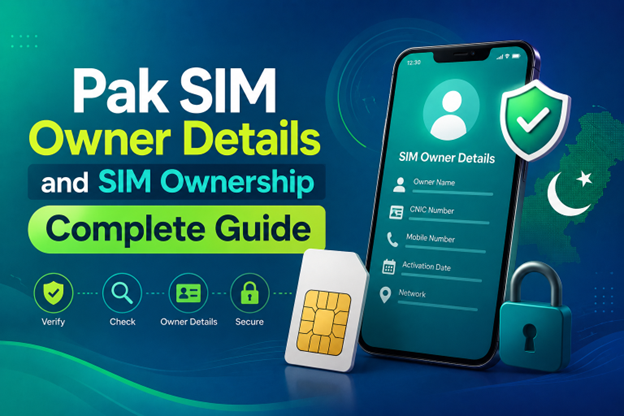
Pak SIM Owner Details and SIM Ownership Complete Guide
It becomes difficult to understand and navigate SIM card registration and ownership in Pakistan considering all the regulations and the amount of information that is available online. You may have gotten a new SIM card, or you might be curious about how many SIM cards are associated with your CNIC number; in any case, having an understanding of the process is critical.
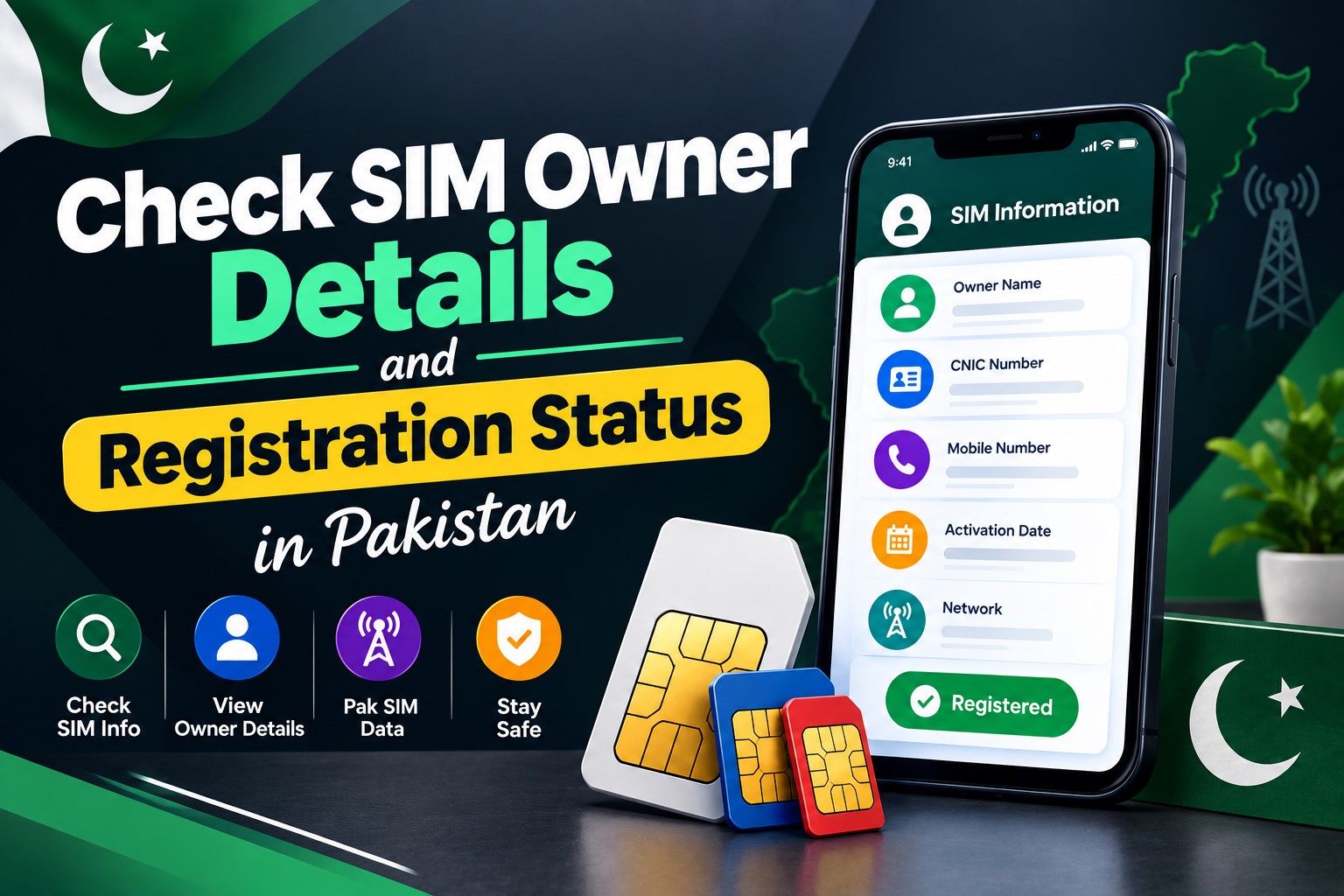
How to Check SIM Owner Details and Registration Status in Pakistan
Checking your SIM card details is very important in Pakistan today. Every mobile SIM card is directly linked to your CNIC number through thumb verification. Keeping an eye on your Pak Sim Owner Details protects your identity, stops scams, and makes sure nobody uses your name for wrong activities. Many people search for ways to check their Sim Owner Details 2026 status, see active numbers, and remove unused SIMs. This article explains how you can easily check everything yourself without any trouble.
Apple iPhone Duo Review: Foldable iPhone Specs, Price & Features
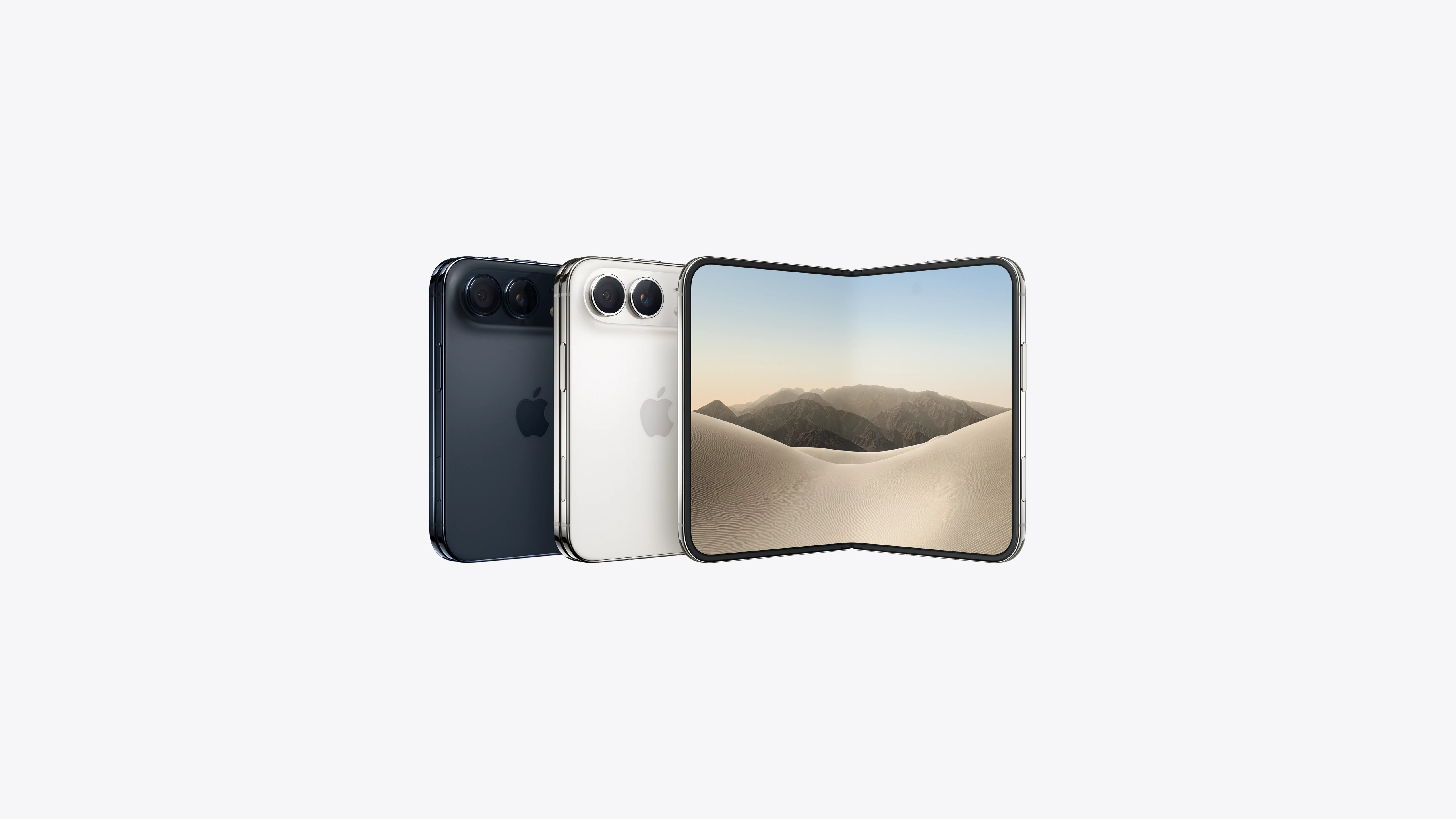
Apple is entering the foldable smartphone market with the iPhone Duo, a premium foldable iPhone built around two displays, the A20 Pro processor, a titanium construction, dual 48 MP cameras and a redesigned iOS experience focused on multitasking. But the iPhone Duo is interesting for another reason as well. A folding phone is inherently more complex than a conventional smartphone. It has two displays, a precision hinge, multiple operating positions and completely new ways of using cameras and applications.
 CONTROLLA IMEI



















SIM card problem