Apa? atau siapa Asisten Google? Menurut saya tidak perlu menjelaskan karena setiap orang telah berurusan dengannya setidaknya sekali dalam hidupnya. Setiap orang yang memiliki smartphone atau iPhone telah menggunakan fungsi yang berguna ini dan tahu betapa bermanfaatnya fitur ini dalam banyak situasi. Dan apa yang harus dilakukan dalam situasi ketika itu tidak berhasil untuk kami dan Asisten Google menolak untuk mematuhi kami? Untungnya, ada cara mudah untuk mengatasinya.
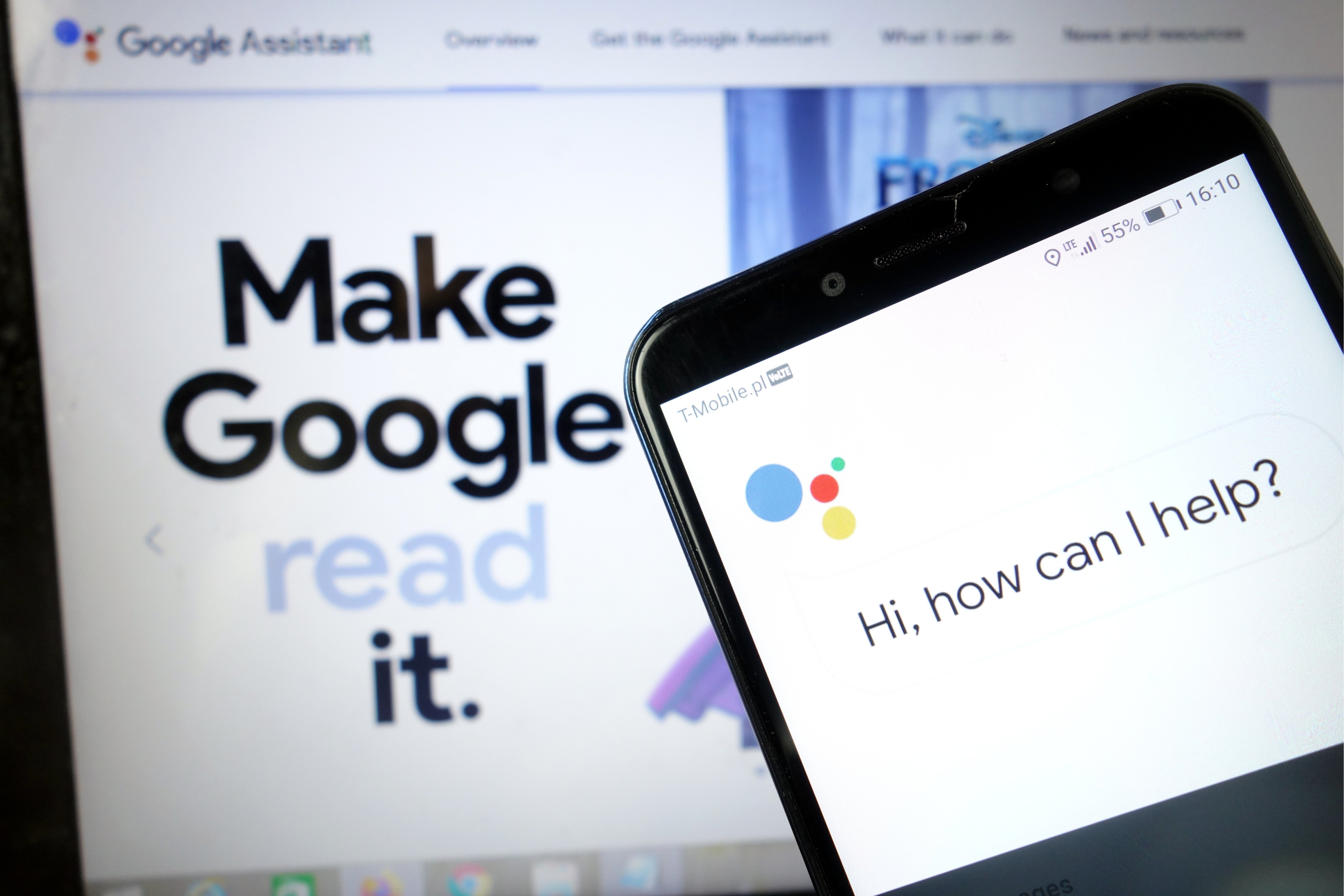
Asisten Google tidak diragukan lagi adalah salah satu aplikasi bermanfaat yang dapat kita miliki di ponsel kita. Berkat fungsinya yang kaya, kami dapat melakukan hampir semua hal dengannya tanpa berpindah dari tempat itu. Asisten Google adalah tangan kanan kita yang akan melakukan aktivitas sehari-hari sederhana untuk kita, dan bahkan yang lebih rumit. Yang pasti, opsi kontrol suara adalah fasilitasi, berkat itu kami bahkan tidak perlu menggunakan papan ketik telepon kami. Jika Anda mengikuti teknologi dan juga menggunakan perangkat Smart Home modern di apartemen Anda, Asisten Google juga akan sempurna sebagai remote control, berkat itu Anda dapat mengontrol misalnya bola lampu atau mesin pencuci piring. Anda dapat membuat daftar keuntungan dari memiliki fungsi ini tanpa akhir, dan bagaimana jika Asisten Google tidak ingin kami bekerja dengan baik?
Untungnya, masalah yang terkait dengan Asisten Google tidak terlalu serius, jadi mudah untuk memperbaikinya dalam beberapa menit. Cukup ikuti metode yang tercantum di bawah ini dan semuanya akan berjalan lancar.
Mulai ulang ponsel Anda
Mari kita mulai dengan yang sederhana: mulai ulang ponsel Anda. Cepat dan mudah untuk membuatnya dan pasti layak untuk dicoba, seperti yang diketahui dari penghapusan sejumlah masalah teknis. Saya yakin Anda semua tahu cara mengatur ulang perangkat Android Anda, tetapi saya akan melalui proses ini untuk berjaga-jaga.
Yang perlu Anda lakukan hanyalah menekan dan menahan tombol daya pada perangkat selama satu atau dua detik, lalu Anda akan melihat beberapa opsi. Pilih opsi Restart / Reboot dan ponsel Anda akan melakukan sisanya. Saat Anda memutar handset, coba jalankan Asisten Google untuk melihat apakah masalah tetap ada. Jika ya, lanjutkan ke langkah kedua.

Pastikan Asisten diaktifkan dan perangkat Anda mendukungnya
Pertama, periksa apakah ponsel Anda mendukung Asisten Google - tidak semua model mendukung. Perangkat yang mendukungnya membutuhkan:
Android 5.0+ dengan memori minimal 1 GB
Android 6.0+ dengan memori minimal 1,5 GB
Google 6.13 atau lebih baru
Layanan Google Play
Resolusi layar minimal 720p
Selain itu, bahasa perangkat harus disetel ke salah satu dari berikut ini: China (Aksara Tradisional), Dansk, Belanda, Inggris, Prancis, Jerman, Hindi, Indonesia, Italia, Jepang, Korea, Norsk, Polandia, Portugis, Rusia, Spanyol, Swensk , Thailand, Turki atau Vietnam.
Ingatlah untuk mengaktifkan Asisten Google di perangkat Android Anda
Jika semuanya sudah benar tetapi Asisten Google masih tidak berfungsi di ponsel Anda, hal berikutnya yang harus dilakukan adalah memastikan layanan dihidupkan. Buka aplikasi Google di ponsel Anda, pilih "Lainnya" di bagian bawah layar dan klik "Setelan", lalu "Asisten Google". Langkah selanjutnya adalah menggulir ke bawah ke Umum dan ketuk di atasnya. Lalu hidupkan sakelar di samping "Asisten Google" untuk menyelesaikan proses. Lalu coba panggil Asisten dengan mengucapkan "Ok Google atau" Hai Google ". Jika tidak ada lagi yang muncul di layar, sekarang waktunya untuk melanjutkan ke langkah ketiga.
Latih ulang model suara Anda
Ada kemungkinan Asisten Google tidak berfungsi karena tidak mengenali suara Anda. Mudah diperbaiki karena yang harus Anda lakukan hanyalah melatih model suara.
Berikut cara melakukannya:
- Buka aplikasi Google di ponsel Anda,
- Pilih Lainnya di bagian bawah layar, lalu klik Pengaturan.
- Langkah selanjutnya adalah tap Voice dan Select Voice Match.
- Sekarang ketuk penggeser di sebelah bagian Hai Google .
- Klik Berikutnya , lalu Setuju saat bagian Saya Setuju ke Voice Match muncul.
- Kemudian ikuti petunjuk di layar untuk mempelajari kembali model suara. Sangat sederhana - cukup ucapkan "Ok Google" dan Hai Google beberapa kali.
Setelah selesai, ucapkan kata kunci itu lagi untuk melihat apakah masalah telah teratasi dan bahwa Asisten Google berfungsi. Jika tidak, ada beberapa hal lain yang dapat Anda coba dan kami akan melihatnya lebih dekat.

Solusi lain yang mungkin
Jika sejauh ini tidak ada perbaikan yang menyelesaikan masalah Asisten Google Anda, coba:
- Periksa mikrofon: Pastikan mikrofon berfungsi dan Anda tidak menutupinya dengan tangan saat mencoba memanggil Asisten. Jika Asisten tidak dapat mendengar Anda, Asisten tidak akan merespons.
- Periksa koneksi internet Anda: Anda harus online untuk menggunakan Asisten. Pastikan Anda terhubung ke Wi-Fi atau jaringan seluler dan koneksi stabil.
- Nonaktifkan asisten suara lainnya: Jika Anda memiliki perangkat Samsung, coba nonaktifkan Bixby untuk melihat apakah itu memperbaiki masalah. Dan jika Anda telah mengunduh Alexa, Cortana , atau asisten suara lain ke ponsel Anda, matikan atau hapus.
- Perbarui aplikasi: Pastikan Google app diperbarui ke versi terbaru. Selain itu, pastikan Anda memberikan semua izin ke aplikasi Google dengan membuka Pengaturan> Aplikasi> Google App> Izin (jalur dapat bervariasi berdasarkan model).
Salah satu perbaikan ini harus memperbaiki masalah yang Anda temui saat menggunakan Asisten Google, tetapi jika tidak, kemungkinan masalahnya ada pada Google dan bukan Anda. Ini dapat terjadi dari waktu ke waktu, terutama jika pembaruan perangkat lunak tidak valid. Google biasanya memperbaiki masalah ini dalam satu atau dua hari, jadi cari pembaruan aplikasi Google yang baru.
Lihat cara mengaktifkan suara Asisten Google di ponsel Anda
Ikuti kami




What Happens to Your Business Number When a Work Phone Is Lost, Stolen or Replaced?
What happens to your business number depends on where it lives. If the number is tied to the SIM in the lost phone, it stops working for you until the carrier issues a replacement SIM or eSIM, and calls from customers go nowhere in the meantime.
If the number lives in a cloud phone account instead, losing the phone doesn't take the number with it. Calls can ring the rest of the team straight away, and the employee signs into the calling app on a new phone to pick up where they left off, with their call history and voicemails still in the account.
Cricfy APK Download Latest Version For Android
Cricfy is a sports streaming application designed for users interested in watching live sports and following different sporting events. Its main focus is to provide convenient access to sports-related content through a mobile-friendly platform.
Cricket is an important part of its appeal, particularly for viewers who enjoy international matches, domestic competitions, and major cricket tournaments. Depending on the available content and supported sources, users may also find football and other sports-related options.
The application is particularly interesting for people who prefer watching sports on their Android devices rather than sitting in front of a television.

Uniwin-Global Rockchip Embedded Motherboards: Sourcing from China for MOQ, QC, Export and Technical Support
Sourcing Rockchip motherboards from China is a procurement question, not a price search. The seven things that actually decide whether a supplier works: pricing that scales with order size, a quality floor you can verify, export terms you can clear, a sample path that starts below the MOQ, technical support that answers, and engineering that catches integration issues before they cost you a quarter.
Uniwin-Global is the running example. The company has built Rockchip boards since 2016 [3], the current flagship is the RK3588 M588 with a 6 TOPS NPU [1], and the site lists 20+ countries served and 200+ projects delivered [4]. The published quality baseline is a sub-1% defect rate with a 1-year motherboard warranty, and the service baseline is a 2-hour response and 48-hour resolution [5, 6].
Two other supplier lanes exist: multi-platform makers that quote Rockchip alongside Allwinner and others, and dev-kit sellers that sell a reference board at a low price. Each lane fits a different stage of the project. The wrong lane is more expensive than the right one at the same unit price. Pick the lane first. The price follows.
One caution. A product page is a claim. The MOQ, the trade term, the QC gate and the SLA all need to be in writing before the PO is signed.

How to Build a HIFU Product Line That Distributors Can Manage
Every HIFU variant a distributor adds brings its own cartridge bin, manual, training file, and spare-parts list. Product lines rarely get out of hand through planning. They grow one request at a time: a different housing color, a narrower cartridge, a regional plug for one important clinic. Eventually pricing can't be explained in one sentence, and cartridge orders split across codes that look almost identical.
This guide is for distributors, importers, and private-label buyers who stock HIFU systems for clinics and med spas and carry the after-sales work themselves. It covers how to group clinic demand, which differences deserve their own model code, how to price tiers against landed cost, and how to plan cartridge replenishment and service records around machines already in the field. The aim is a line chosen by what you can stock, train, and service, rather than by what clinics happen to ask for.
Check SIM Owner Details in Pakistan Official Guide
Phones have become an integral part of human life. From making calls to mobile banking and shopping and social media every function requires a sim card to get connected in Pakistan. A responsible person must know how many sim cards are registered under his CNIC and if they are verified or not. The Check SIM Owner Details Pakistan system enables you to ensure that your SIM cards are legitimate and registered under your details.
While searching for Fresh SIM Database, it is critical to understand that SIM card details are private and confidential, and only the owner can check them. This article will explain what SIM owner details are, why it is essential to verify them, how to check them officially, and why it is safer to avoid unverified sources for checking.
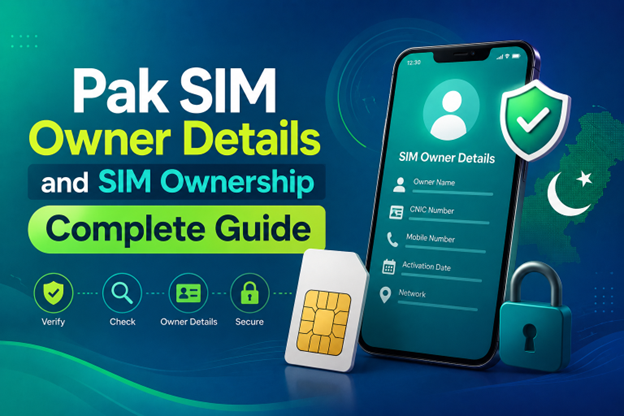
Pak SIM Owner Details and SIM Ownership Complete Guide
It becomes difficult to understand and navigate SIM card registration and ownership in Pakistan considering all the regulations and the amount of information that is available online. You may have gotten a new SIM card, or you might be curious about how many SIM cards are associated with your CNIC number; in any case, having an understanding of the process is critical.
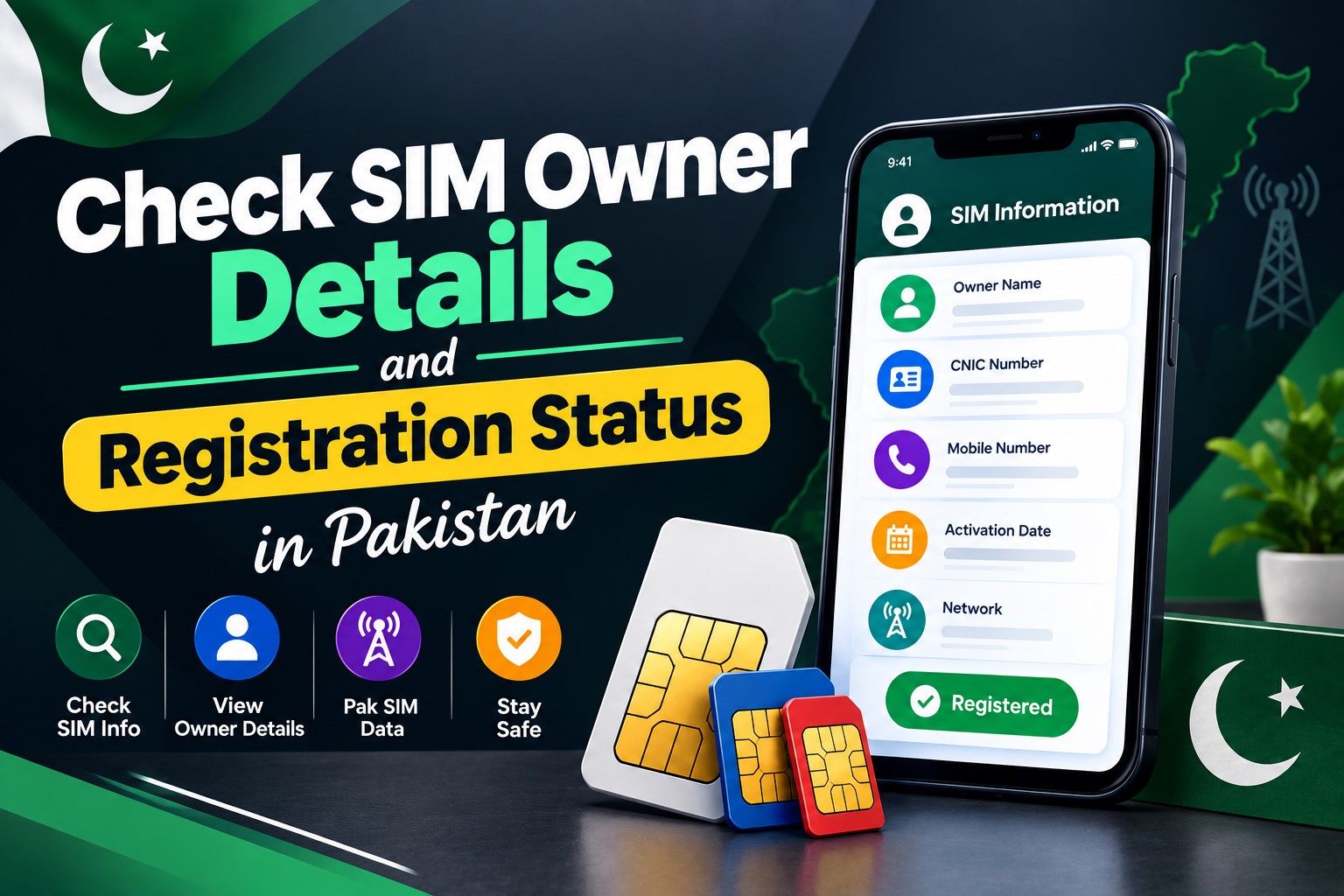
How to Check SIM Owner Details and Registration Status in Pakistan
Checking your SIM card details is very important in Pakistan today. Every mobile SIM card is directly linked to your CNIC number through thumb verification. Keeping an eye on your Pak Sim Owner Details protects your identity, stops scams, and makes sure nobody uses your name for wrong activities. Many people search for ways to check their Sim Owner Details 2026 status, see active numbers, and remove unused SIMs. This article explains how you can easily check everything yourself without any trouble.
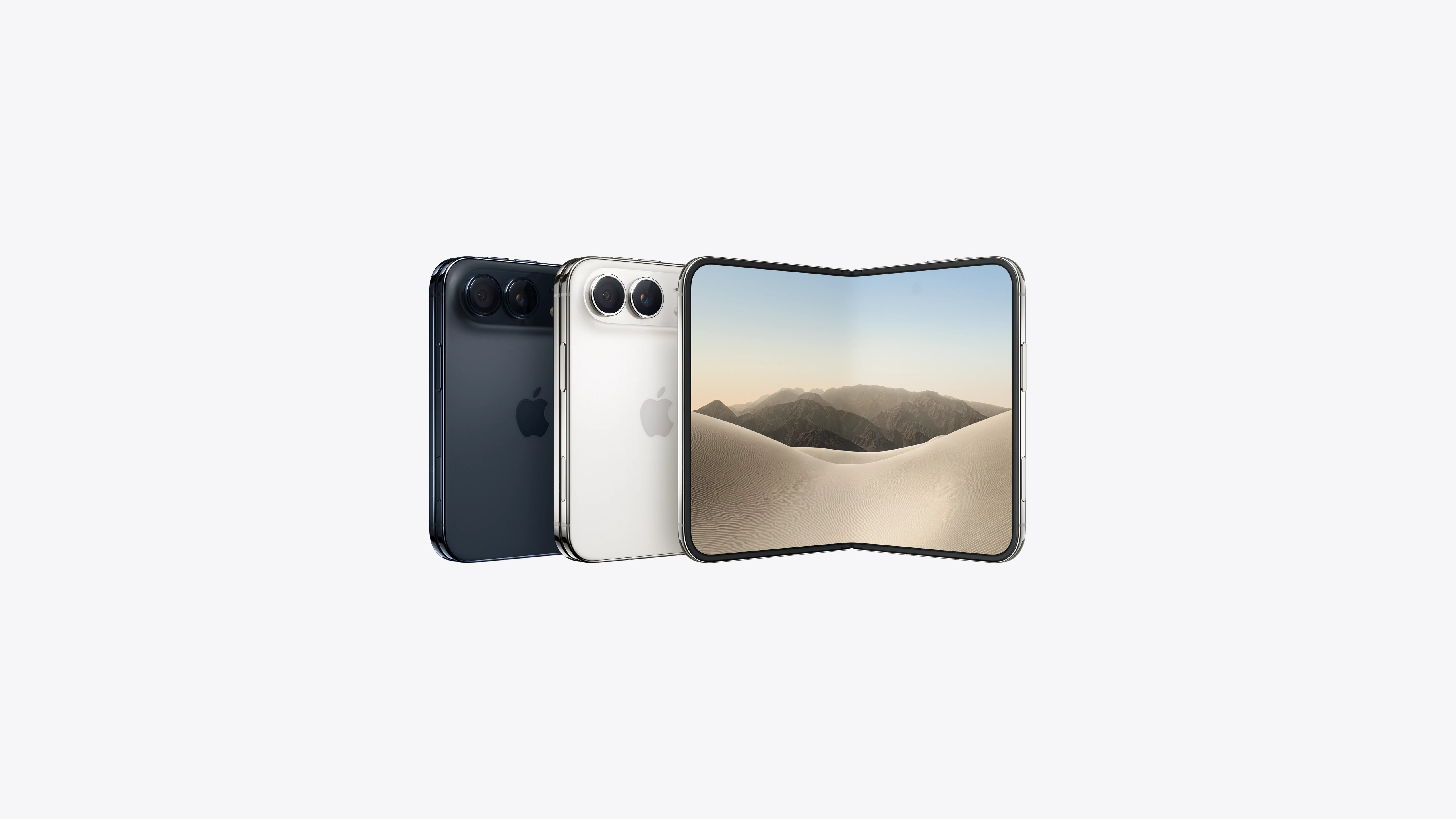
Apple iPhone Duo Review: Foldable iPhone Specs, Price & Features
Apple is entering the foldable smartphone market with the iPhone Duo, a premium foldable iPhone built around two displays, the A20 Pro processor, a titanium construction, dual 48 MP cameras and a redesigned iOS experience focused on multitasking. But the iPhone Duo is interesting for another reason as well. A folding phone is inherently more complex than a conventional smartphone. It has two displays, a precision hinge, multiple operating positions and completely new ways of using cameras and applications.
 PERIKSA IMEI



















I cannot see whole article