ماذا؟ او من هو مساعد جوجل؟ يبدو لي أنه لا داعي للتوضيح لأن الجميع تعامل معه مرة واحدة على الأقل في حياته. استخدم كل من لديه هاتف ذكي أو iPhone هذه الوظيفة المفيدة ويعرف مدى فائدتها في العديد من المواقف. وماذا تفعل في موقف لا يعمل معنا ويرفض مساعد جوجل طاعتنا؟ لحسن الحظ ، هناك طريقة سهلة للتعامل معها.
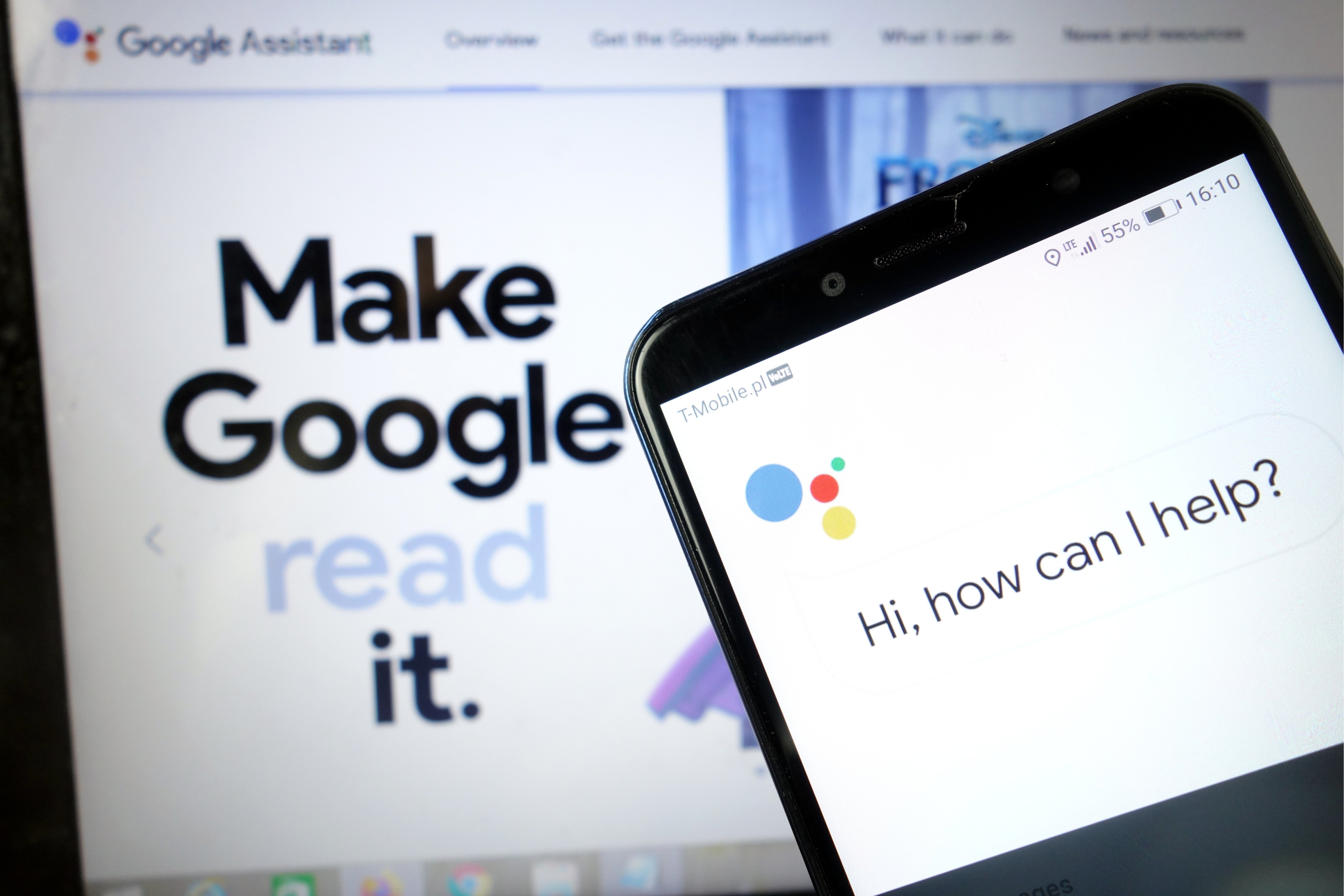
يعد Google Assistant بلا شك أحد التطبيقات المفيدة التي يمكننا الحصول عليها على هاتفنا. بفضل الوظائف الغنية ، نحن قادرون على فعل كل شيء باستخدامه دون الانتقال من المكان. مساعد Google هو يدنا اليمنى التي ستقوم بأنشطة يومية بسيطة لنا ، وحتى أنشطة أكثر تعقيدًا. من المؤكد أن خيار التحكم الصوتي هو التسهيل ، وبفضل ذلك لا يتعين علينا حتى استخدام لوحة مفاتيح الهاتف. إذا اتبعت التكنولوجيا واستخدمت أيضًا أجهزة المنزل الذكي الحديثة في شقتك ، فسيكون مساعد Google مثاليًا أيضًا كجهاز تحكم عن بعد ، وبفضله يمكنك التحكم على سبيل المثال في المصابيح الذكية أو غسالات الصحون. يمكنك سرد إيجابيات هذه الوظيفة إلى ما لا نهاية ، وماذا لو كان مساعد Google لا يريدنا أن نعمل بشكل صحيح؟
لحسن الحظ ، المشكلات المتعلقة بـ Google Assistant ليست خطيرة جدًا ، لذا من السهل إصلاحها في دقائق. ما عليك سوى اتباع الطرق المذكورة أدناه ويجب أن يسير كل شيء بسلاسة.
أعد تشغيل هاتفك
لنبدأ بواحد بسيط: إعادة تشغيل هاتفك. إنه سريع وسهل الصنع ويستحق المراجعة بالتأكيد ، كما هو معروف من التخلص من عدد من المشكلات الفنية. أنا متأكد من أنك تعرف جميعًا كيفية إعادة تعيين جهاز Android الخاص بك ، لكنني سأخوض هذه العملية في حالة حدوث ذلك.
كل ما عليك فعله هو الضغط مع الاستمرار على زر الطاقة بالجهاز لمدة ثانية أو ثانيتين ، ثم سترى عدة خيارات. حدد خيار إعادة التشغيل / إعادة التشغيل وسيقوم هاتفك بالباقي. عند تشغيل الهاتف ، حاول تشغيل مساعد Google لمعرفة ما إذا كانت المشكلة قائمة. إذا كان الأمر كذلك ، فانتقل إلى الخطوة الثانية.

تأكد من تشغيل المساعد وأن جهازك يدعمه
أولاً ، تحقق مما إذا كان هاتفك يدعم Google Assistant - ليس كل طراز يدعمه. الأجهزة التي تدعمها تحتاج:
Android 5.0+ مع ذاكرة 1 جيجابايت على الأقل
Android 6.0+ مع ذاكرة 1.5 جيجابايت على الأقل
الإصدار 6.13 من Google أو إصدار أحدث
خدمات جوجل بلاي
دقة الشاشة 720 بكسل على الأقل
بالإضافة إلى ذلك ، يجب ضبط لغة الجهاز على أي مما يلي: الصينية (التقليدية) ، الدنماركية ، الهولندية ، الإنجليزية ، الفرنسية ، الألمانية ، الهندية ، الإندونيسية ، الإيطالية ، اليابانية ، الكورية ، النرويجية ، البولندية ، البرتغالية ، الروسية ، الإسبانية ، السويدية أو التايلاندية أو التركية أو الفيتنامية.
تذكر تشغيل مساعد Google على جهاز Android الخاص بك
إذا كان كل شيء صحيحًا ولكن مساعد Google لا يزال لا يعمل على هاتفك ، فإن الشيء التالي الذي يجب فعله هو التأكد من تشغيل الخدمة. افتح تطبيق Google على هاتفك وحدد "المزيد" أسفل الشاشة وانقر على "الإعدادات" ثم "مساعد Google". الخطوة التالية هي التمرير لأسفل إلى عام والنقر عليها. ثم قم بتشغيل المفتاح بجوار "مساعد Google" لإتمام العملية ثم حاول استدعاء المساعد بقول "Ok Google أو" Hey Google ". إذا لم يظهر أي شيء آخر على الشاشة ، فقد حان الوقت للانتقال إلى الخطوة الثالثة.
أعد تدريب نموذجك الصوتي
من المحتمل ألا يعمل مساعد Google لأنه لا يتعرف على صوتك. من السهل إصلاحه لأن كل ما عليك فعله هو إعادة تدريب النموذج الصوتي.
هيريس كيفية القيام بذلك:
- افتح تطبيق Google على هاتفك ،
- حدد المزيد في أسفل الشاشة ، ثم انقر فوق الإعدادات.
- الخطوة التالية هي النقر على Voice واختيار Voice Match.
- الآن اضغط على شريط التمرير بجوار قسم Hey Google .
- انقر فوق "التالي" ثم " موافق" عند ظهور قسم " أوافق على Voice Match ".
- ثم اتبع التعليمات التي تظهر على الشاشة لإعادة تعلم النموذج الصوتي. الأمر بسيط للغاية - فقط قل "Ok Google" و Hey Google عدة مرات.
عند الانتهاء ، قل الكلمة الرئيسية مرة أخرى لمعرفة ما إذا كان قد تم حل المشكلة وأن مساعد Google يعمل. إذا لم يكن الأمر كذلك ، فهناك بعض الأشياء الأخرى التي يمكنك تجربتها وسنلقي نظرة فاحصة عليها.

حلول أخرى ممكنة
إذا لم تنجح أي من الإصلاحات حتى الآن في حل مشكلة مساعد Google ، فجرّب:
- تحقق من الميكروفون: تأكد من أن الميكروفون يعمل وأنك لا تغطيه بيدك عند محاولة استدعاء المساعد. إذا لا يمكن مساعد الخاصة بك تسمع، فإنه لن يستجيب.
- تحقق من اتصالك بالإنترنت: يجب أن تكون متصلاً بالإنترنت لاستخدام المساعد. تأكد من أنك متصل بشبكة Wi-Fi أو شبكة خلوية وأن الاتصال مستقر.
- تعطيل المساعدين الصوتيين الآخرين: إذا كان لديك جهاز Samsung ، فحاول تعطيل Bixby لمعرفة ما إذا كان ذلك سيؤدي إلى حل المشكلة. وإذا قمت بتنزيل Alexa أو Cortana أو أي مساعد صوتي آخر على هاتفك ، فقم بإيقاف تشغيله أو إزالته.
- تحديث التطبيق: تأكد من تحديث تطبيق Google إلى أحدث إصدار. تأكد أيضًا من منح جميع الأذونات لتطبيقات Google من خلال الانتقال إلى الإعدادات> التطبيقات> تطبيق Google> الأذونات (قد يختلف المسار حسب الطراز).
يجب أن يعمل أحد هذه الإصلاحات على إصلاح المشكلة التي تواجهها أثناء استخدام مساعد Google ، ولكن إذا لم يحدث ذلك ، فمن المحتمل أن المشكلة تتعلق بـ Google وليس أنت. يمكن أن يحدث هذا من وقت لآخر ، خاصةً عندما يكون تحديث البرنامج غير صالح. عادةً ما تصلح Google هذه المشكلات في غضون يوم أو يومين ، لذا ابحث عن تحديث جديد لتطبيق Google.
تعرف على كيفية تشغيل صوت مساعد Google على هاتفك
تابعنا




What Happens to Your Business Number When a Work Phone Is Lost, Stolen or Replaced?
What happens to your business number depends on where it lives. If the number is tied to the SIM in the lost phone, it stops working for you until the carrier issues a replacement SIM or eSIM, and calls from customers go nowhere in the meantime.
If the number lives in a cloud phone account instead, losing the phone doesn't take the number with it. Calls can ring the rest of the team straight away, and the employee signs into the calling app on a new phone to pick up where they left off, with their call history and voicemails still in the account.

Cricfy APK Download Latest Version For Android
Cricfy is a sports streaming application designed for users interested in watching live sports and following different sporting events. Its main focus is to provide convenient access to sports-related content through a mobile-friendly platform.
Cricket is an important part of its appeal, particularly for viewers who enjoy international matches, domestic competitions, and major cricket tournaments. Depending on the available content and supported sources, users may also find football and other sports-related options.
The application is particularly interesting for people who prefer watching sports on their Android devices rather than sitting in front of a television.

Uniwin-Global Rockchip Embedded Motherboards: Sourcing from China for MOQ, QC, Export and Technical Support
Sourcing Rockchip motherboards from China is a procurement question, not a price search. The seven things that actually decide whether a supplier works: pricing that scales with order size, a quality floor you can verify, export terms you can clear, a sample path that starts below the MOQ, technical support that answers, and engineering that catches integration issues before they cost you a quarter.
Uniwin-Global is the running example. The company has built Rockchip boards since 2016 [3], the current flagship is the RK3588 M588 with a 6 TOPS NPU [1], and the site lists 20+ countries served and 200+ projects delivered [4]. The published quality baseline is a sub-1% defect rate with a 1-year motherboard warranty, and the service baseline is a 2-hour response and 48-hour resolution [5, 6].
Two other supplier lanes exist: multi-platform makers that quote Rockchip alongside Allwinner and others, and dev-kit sellers that sell a reference board at a low price. Each lane fits a different stage of the project. The wrong lane is more expensive than the right one at the same unit price. Pick the lane first. The price follows.
One caution. A product page is a claim. The MOQ, the trade term, the QC gate and the SLA all need to be in writing before the PO is signed.

How to Build a HIFU Product Line That Distributors Can Manage
Every HIFU variant a distributor adds brings its own cartridge bin, manual, training file, and spare-parts list. Product lines rarely get out of hand through planning. They grow one request at a time: a different housing color, a narrower cartridge, a regional plug for one important clinic. Eventually pricing can't be explained in one sentence, and cartridge orders split across codes that look almost identical.
This guide is for distributors, importers, and private-label buyers who stock HIFU systems for clinics and med spas and carry the after-sales work themselves. It covers how to group clinic demand, which differences deserve their own model code, how to price tiers against landed cost, and how to plan cartridge replenishment and service records around machines already in the field. The aim is a line chosen by what you can stock, train, and service, rather than by what clinics happen to ask for.
Check SIM Owner Details in Pakistan Official Guide
Phones have become an integral part of human life. From making calls to mobile banking and shopping and social media every function requires a sim card to get connected in Pakistan. A responsible person must know how many sim cards are registered under his CNIC and if they are verified or not. The Check SIM Owner Details Pakistan system enables you to ensure that your SIM cards are legitimate and registered under your details.
While searching for Fresh SIM Database, it is critical to understand that SIM card details are private and confidential, and only the owner can check them. This article will explain what SIM owner details are, why it is essential to verify them, how to check them officially, and why it is safer to avoid unverified sources for checking.
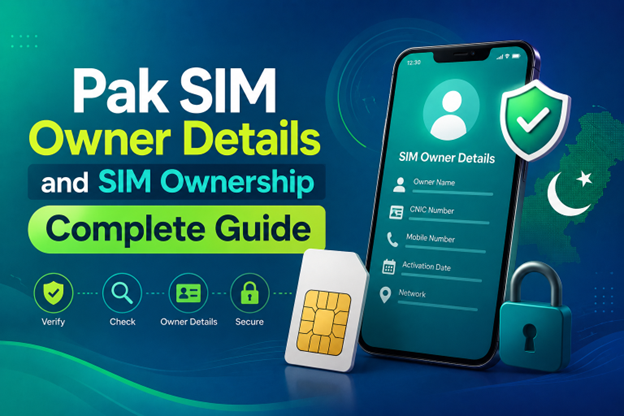
Pak SIM Owner Details and SIM Ownership Complete Guide
It becomes difficult to understand and navigate SIM card registration and ownership in Pakistan considering all the regulations and the amount of information that is available online. You may have gotten a new SIM card, or you might be curious about how many SIM cards are associated with your CNIC number; in any case, having an understanding of the process is critical.
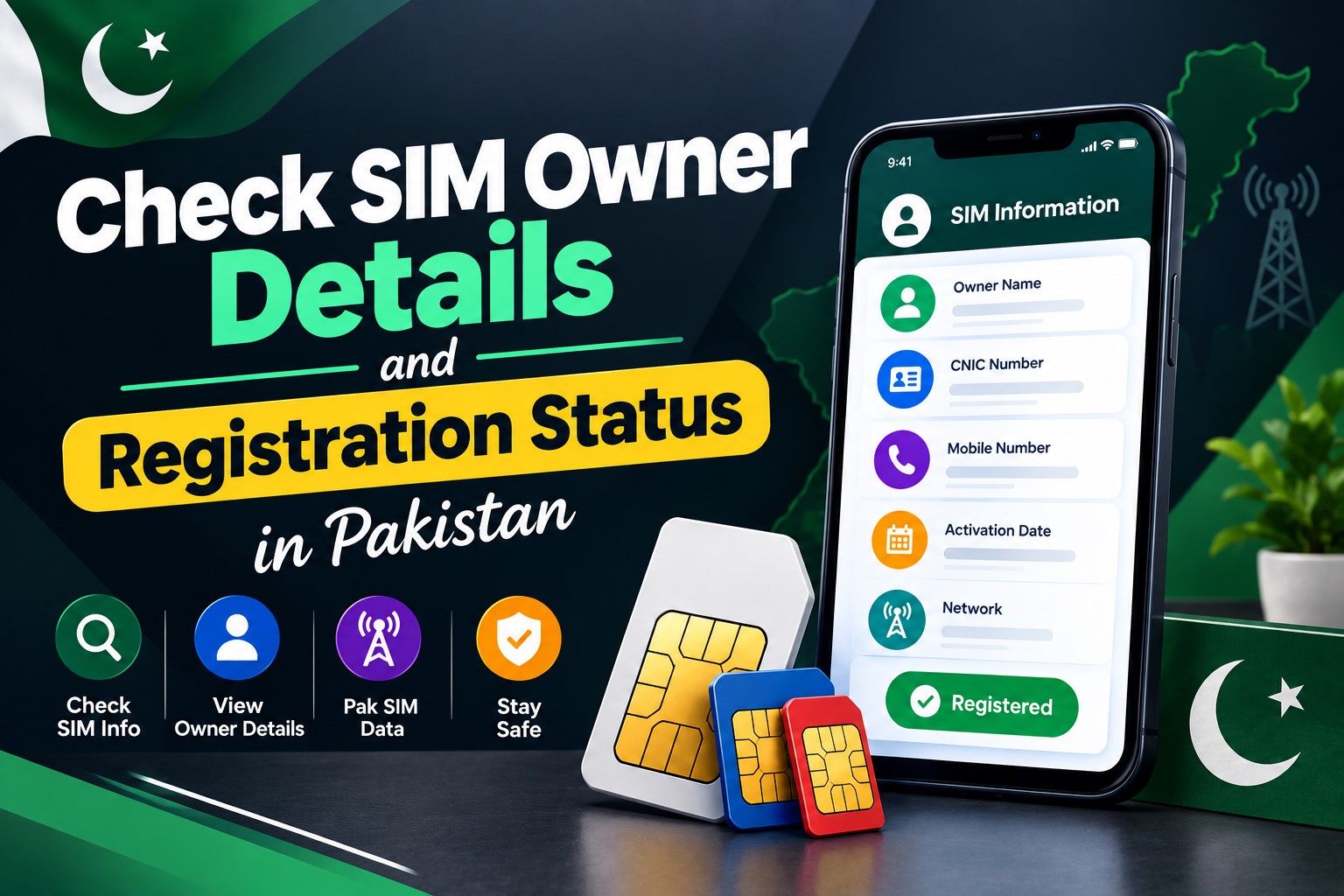
How to Check SIM Owner Details and Registration Status in Pakistan
Checking your SIM card details is very important in Pakistan today. Every mobile SIM card is directly linked to your CNIC number through thumb verification. Keeping an eye on your Pak Sim Owner Details protects your identity, stops scams, and makes sure nobody uses your name for wrong activities. Many people search for ways to check their Sim Owner Details 2026 status, see active numbers, and remove unused SIMs. This article explains how you can easily check everything yourself without any trouble.

Apple iPhone Duo Review: Foldable iPhone Specs, Price & Features
Apple is entering the foldable smartphone market with the iPhone Duo, a premium foldable iPhone built around two displays, the A20 Pro processor, a titanium construction, dual 48 MP cameras and a redesigned iOS experience focused on multitasking. But the iPhone Duo is interesting for another reason as well. A folding phone is inherently more complex than a conventional smartphone. It has two displays, a precision hinge, multiple operating positions and completely new ways of using cameras and applications.
 تحقق من IMEI



















I cannot see whole article